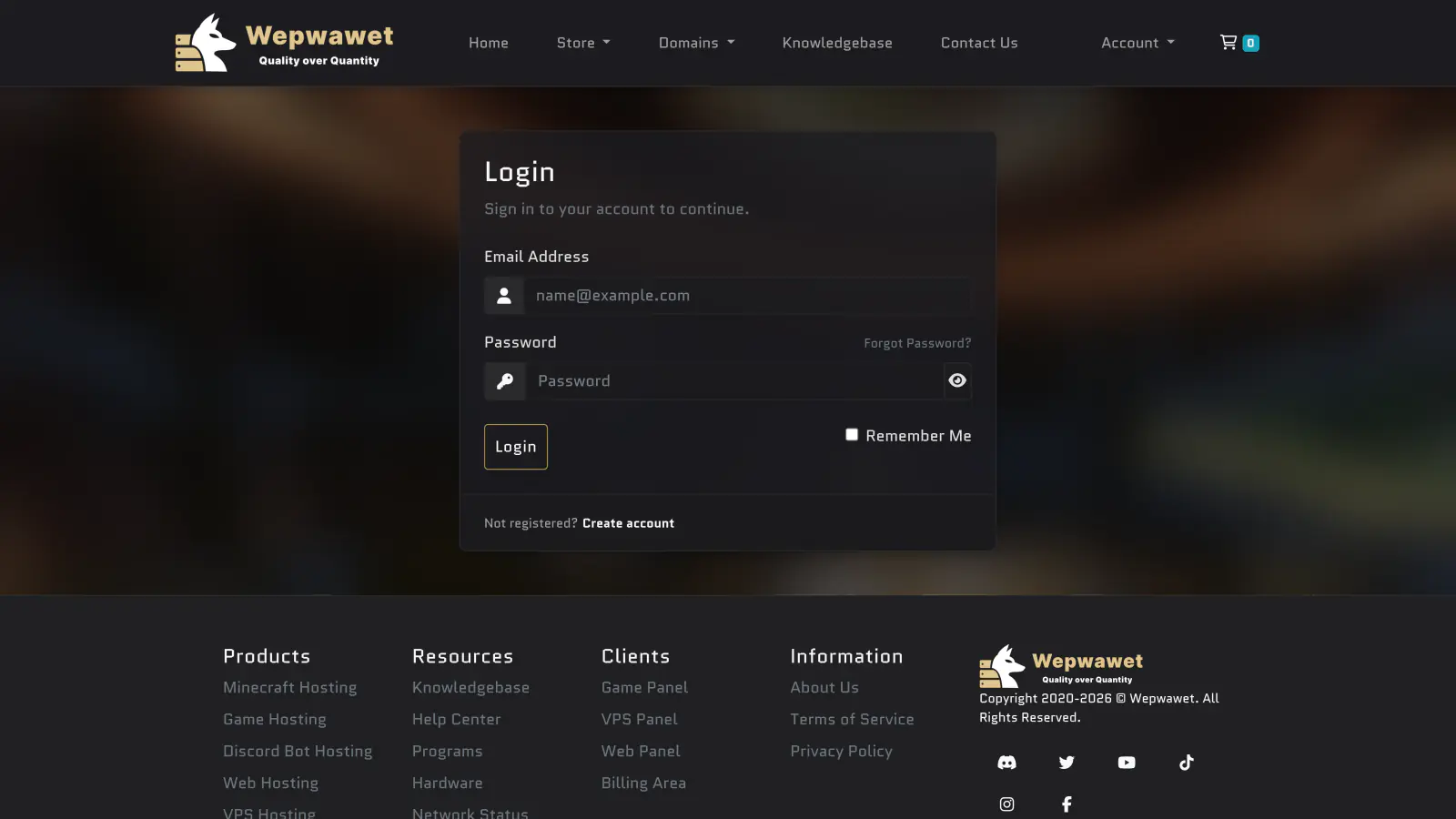
Log In to the Billing Area
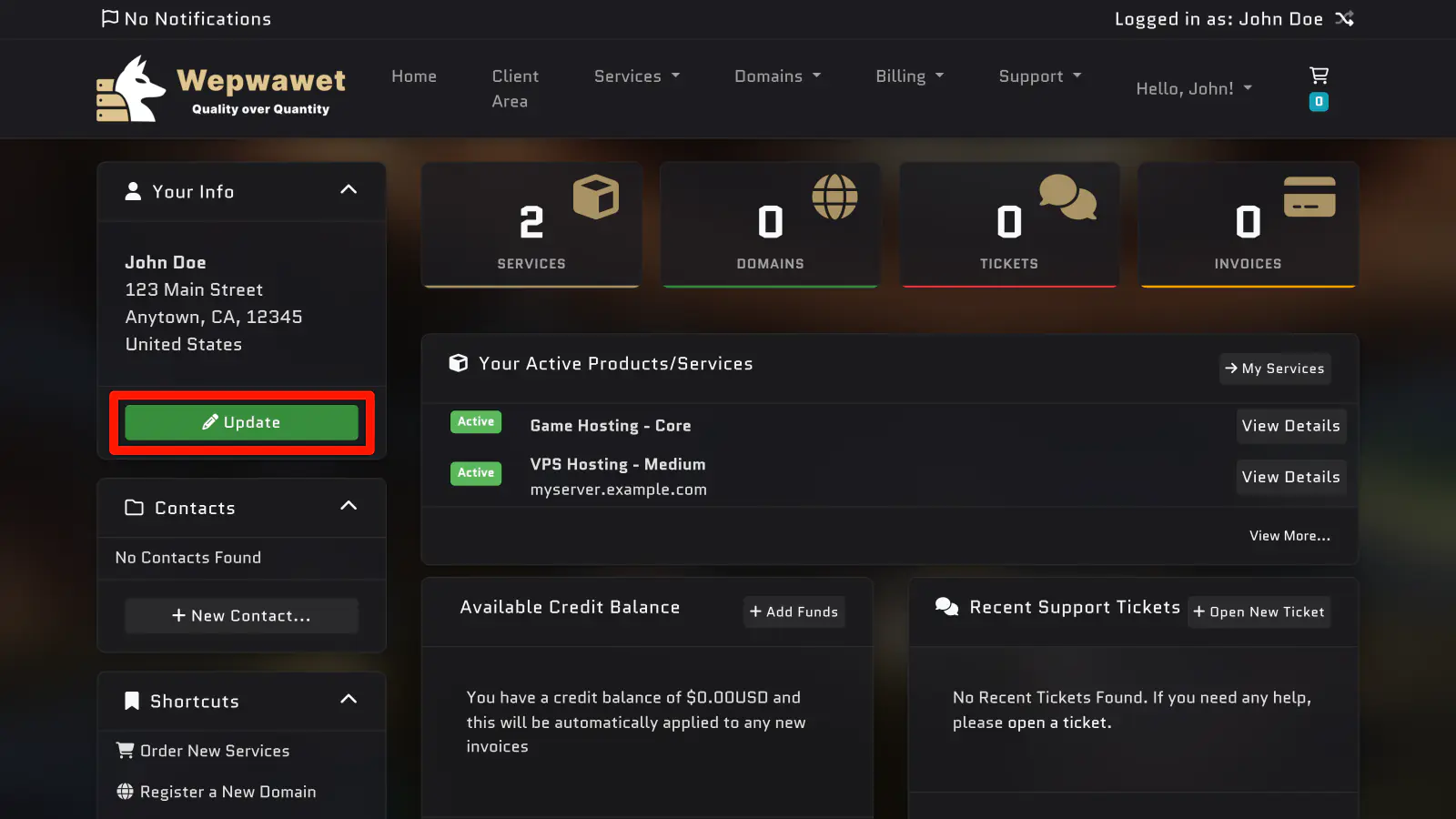
Open Your Account Information
Click the green Update button under Your Info.
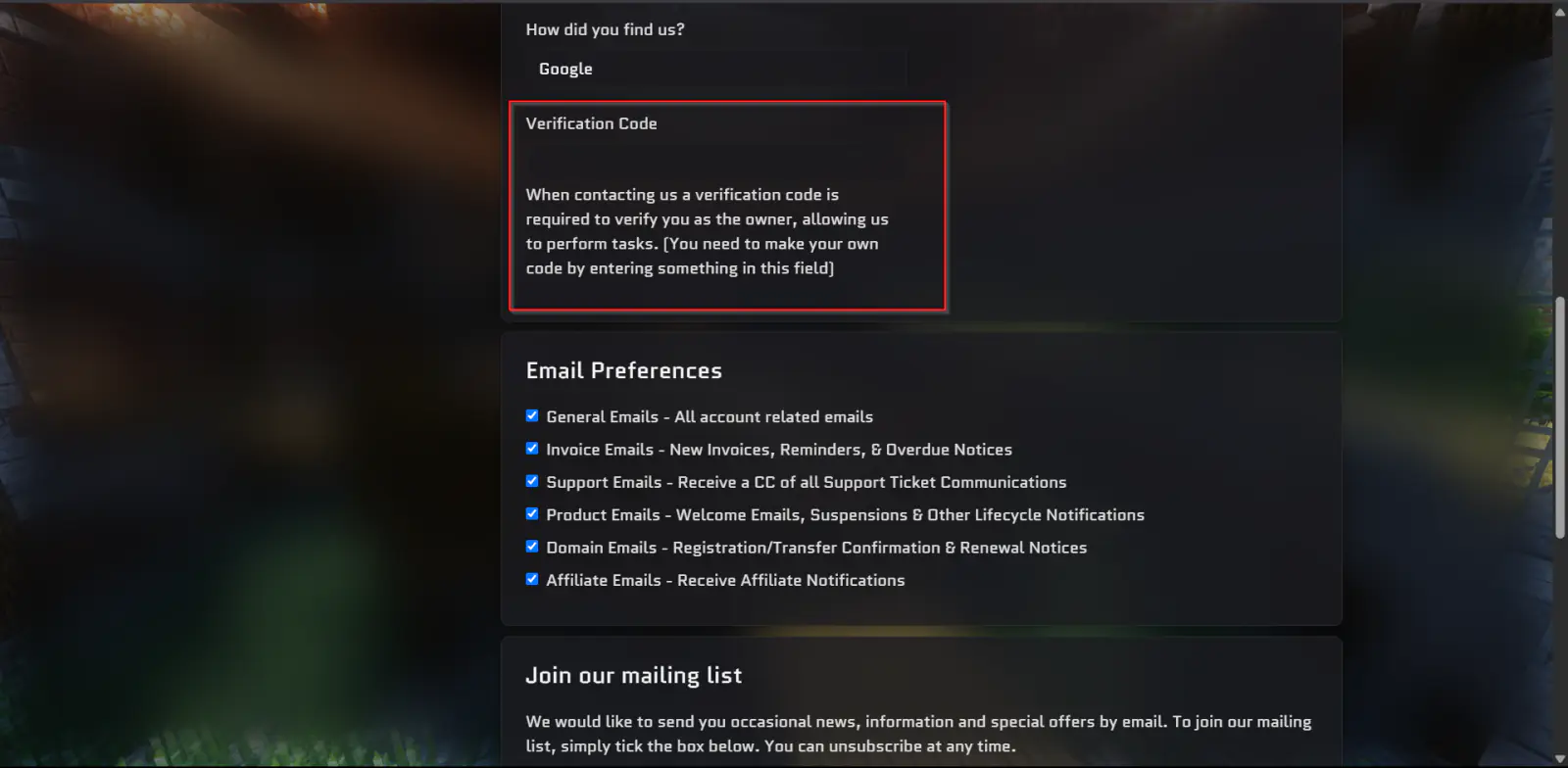
Set Your Verification Code
Scroll down until you find the Verification Code field and enter your desired code.
The code can be set to anything you prefer.
Your verification code has now been successfully updated.