Paper keeps a few world files in a different place than Vanilla does, so switching between the two needs those files moved by hand.
This page covers the world files only. To install the new software itself, see How to Change Your Server Version.
Which world format does my server use?
| World format | Server software |
|---|---|
| Vanilla | Vanilla, Fabric, Forge, NeoForge |
| Paper | Paper, Purpur, Folia, and other Paper forks |
| Bukkit | CraftBukkit, Spigot |
Fabric and Forge only add mod loading on top of the Vanilla server, so they store worlds exactly the way Vanilla does. Everything built on Paper stores them Paper’s way. CraftBukkit and Spigot use an older split layout, the same one Paper itself used before 26.1.
Switching within a row needs no file changes at all, for example Fabric to Forge, or Paper to Purpur. Only switching between rows does, so read Vanilla below as “Vanilla, Fabric, or Forge”.
If you are on CraftBukkit or Spigot, start at Spigot and CraftBukkit instead.
Take a full backup before you start. See How to make a backup.
These steps assume your level-name in server.properties is world. If you changed it, use your own world folder name everywhere below.
Paper to Vanilla
These steps cover Paper 26.1 and newer. Older builds keep the Nether and the End in separate folders instead, see Older versions.
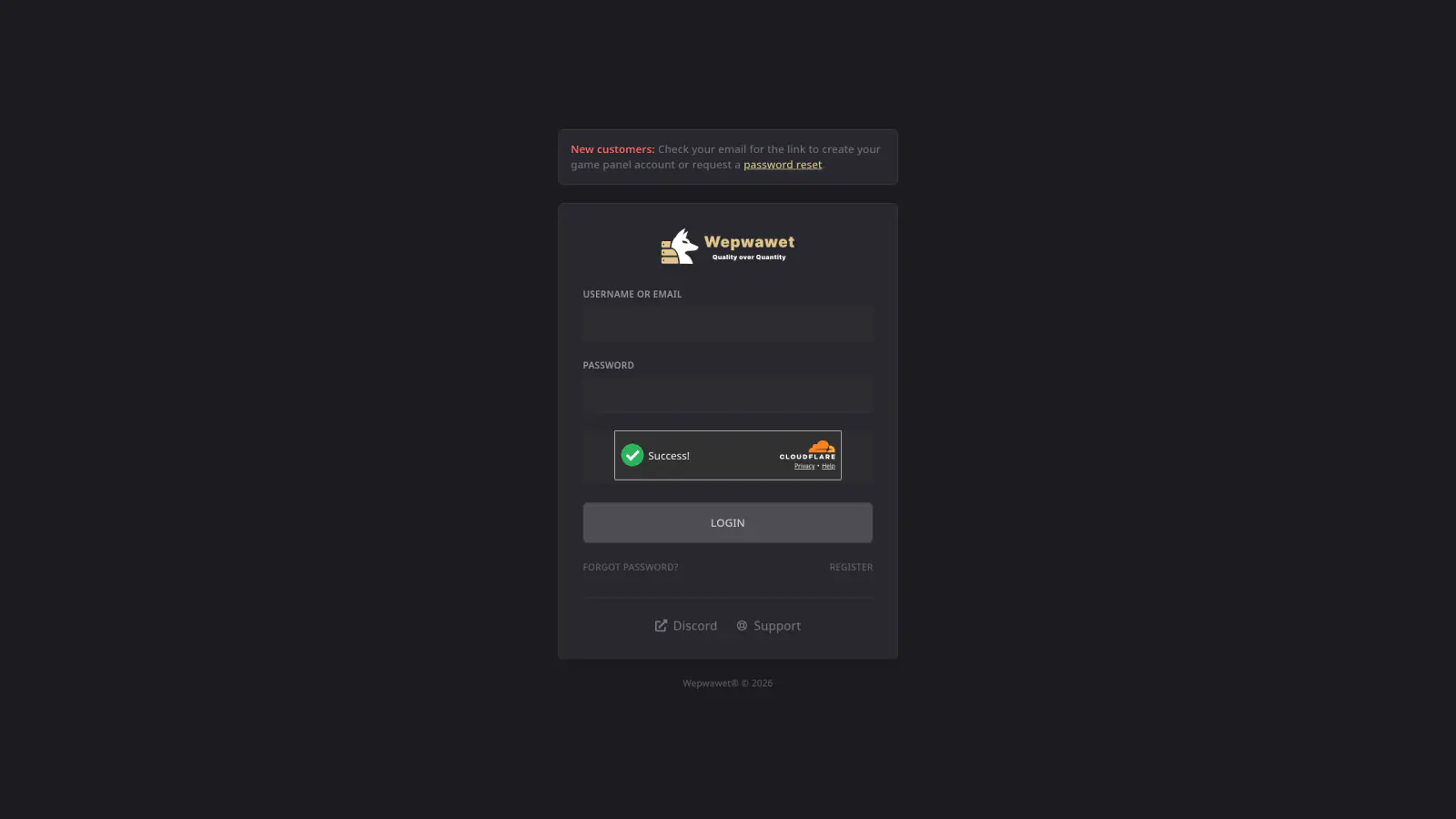
Log In to the Game Panel ↗
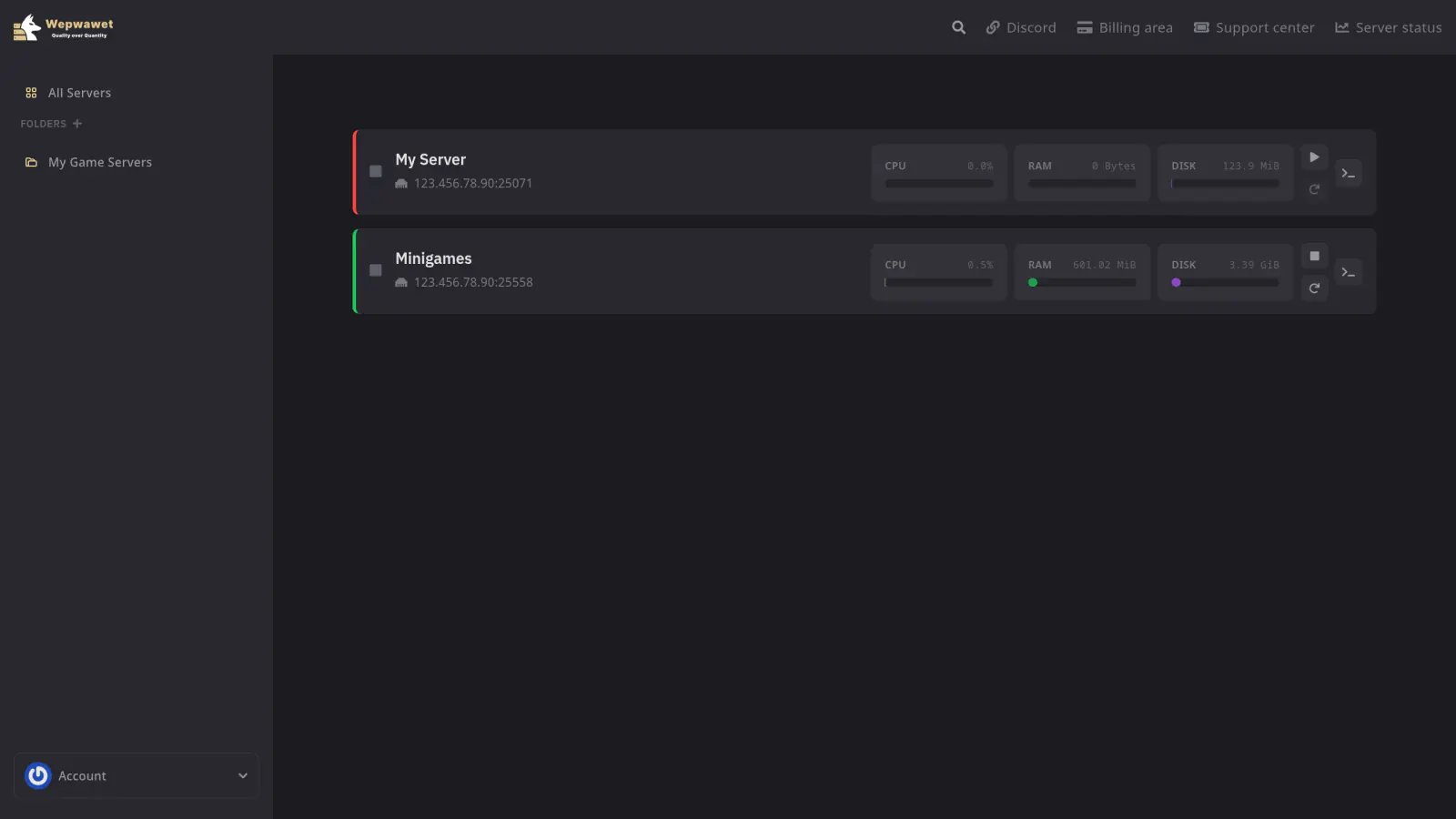
Select Your Server
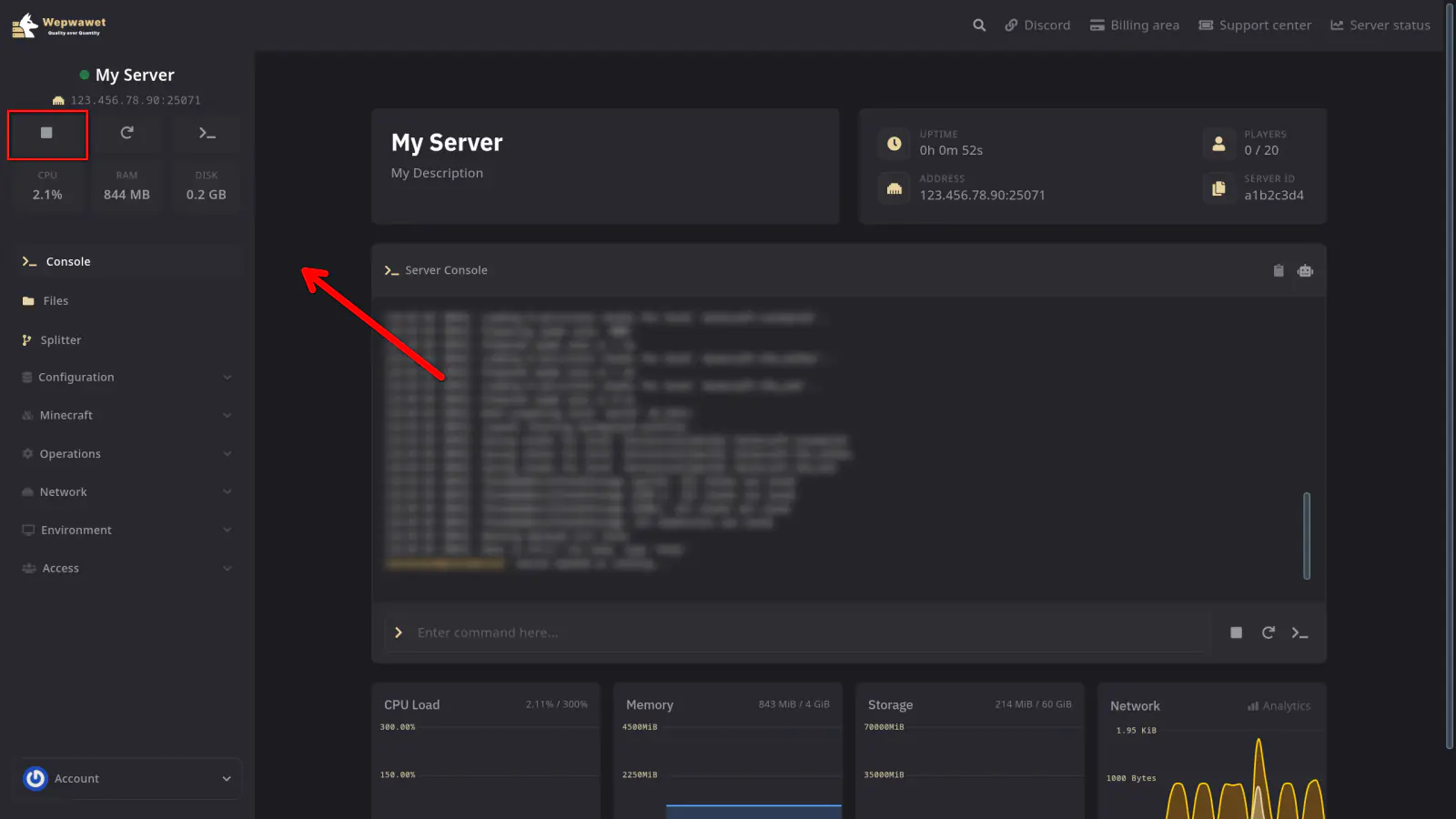
Stop the Server
Do not move any files while the server is running.
Create a Backup
If you don’t know how to make a backup, here’s our article on How to make a backup
Click on the Files tab
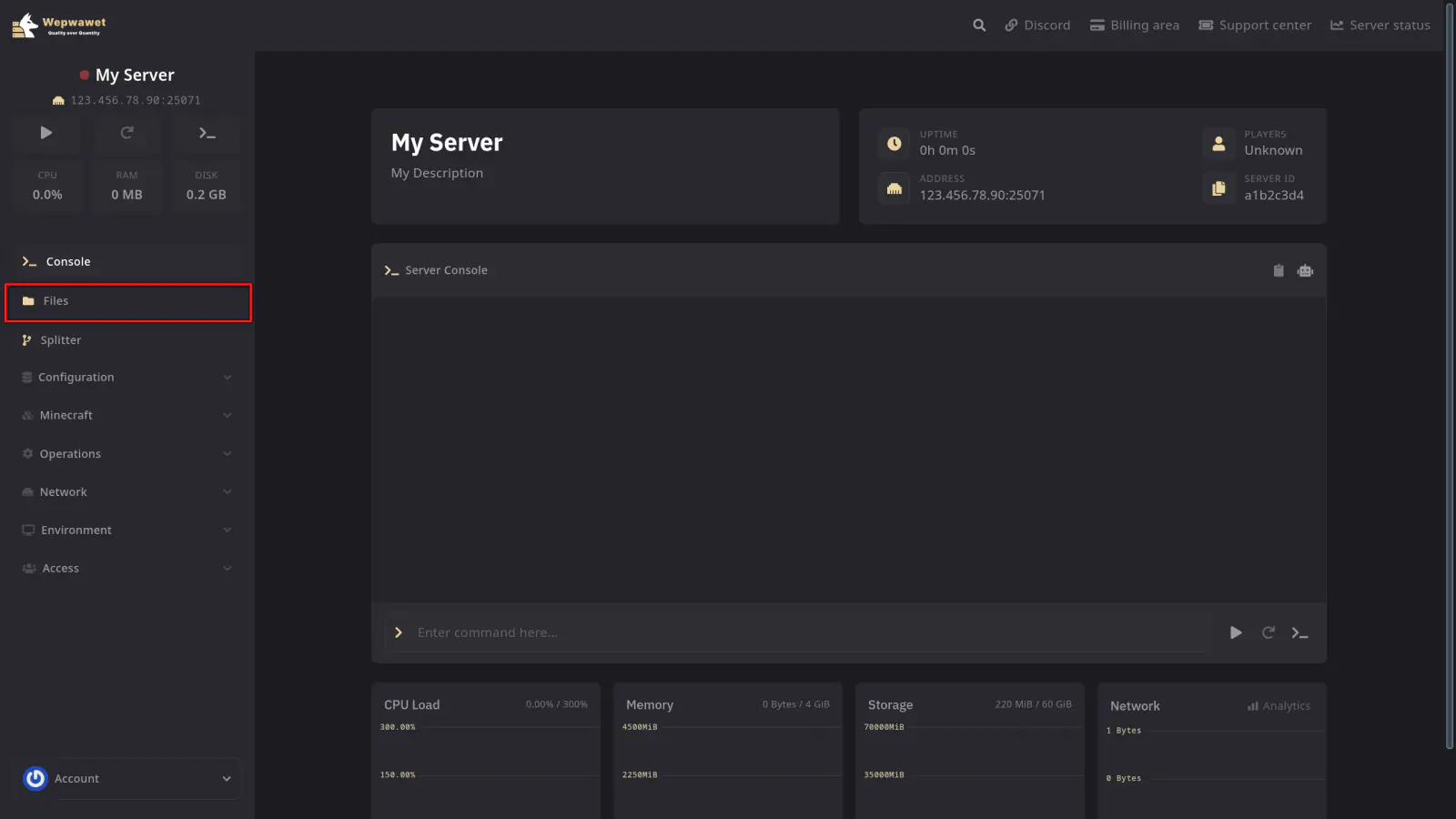
Open the World Data Folder
Navigate to world/dimensions/minecraft/overworld/data/minecraft/.
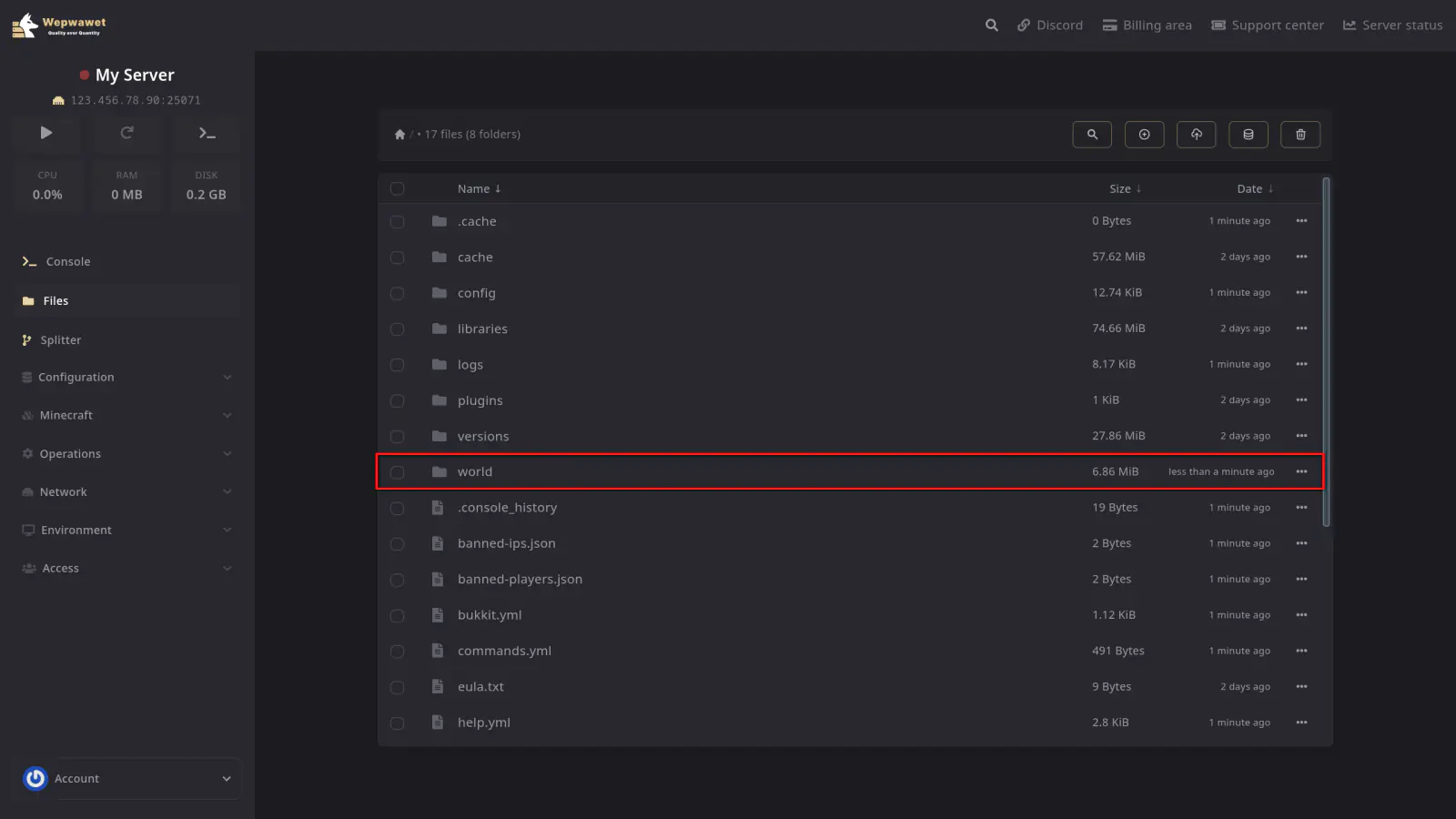
Move the Five Data Files
Move each of these into world/data/minecraft/:
game_rules.datscheduled_events.datwandering_trader.datweather.datworld_gen_settings.dat
Click the three dots next to a file, choose Move, and set the path to /world/data/minecraft/. An SFTP client such as FileZilla works too.
If world/data/minecraft/ does not exist yet, create it first.
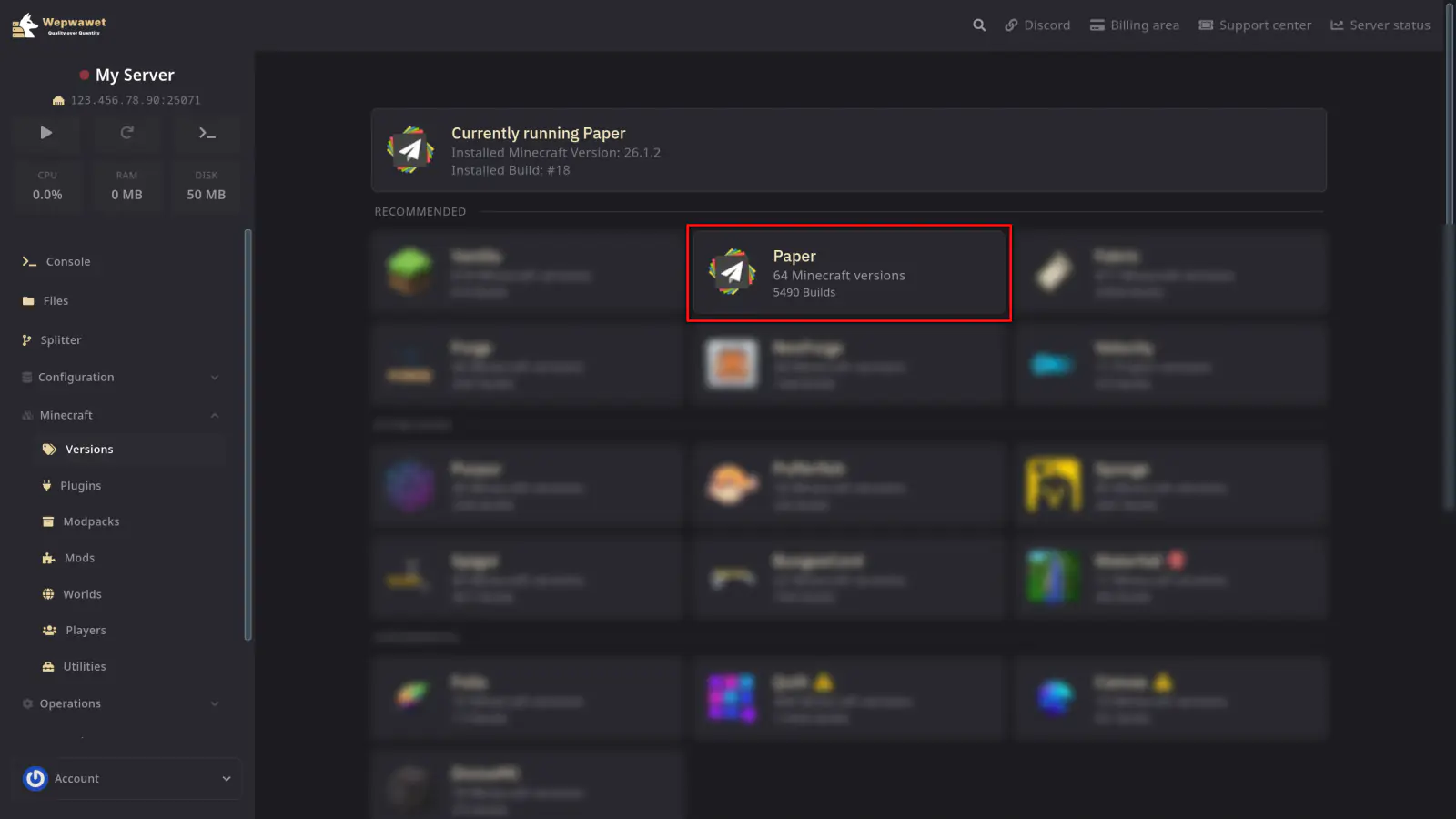
Install Vanilla, Fabric, or Forge
Open the Version tab and install your new software. Full walkthrough: How to Change Your Server Version.
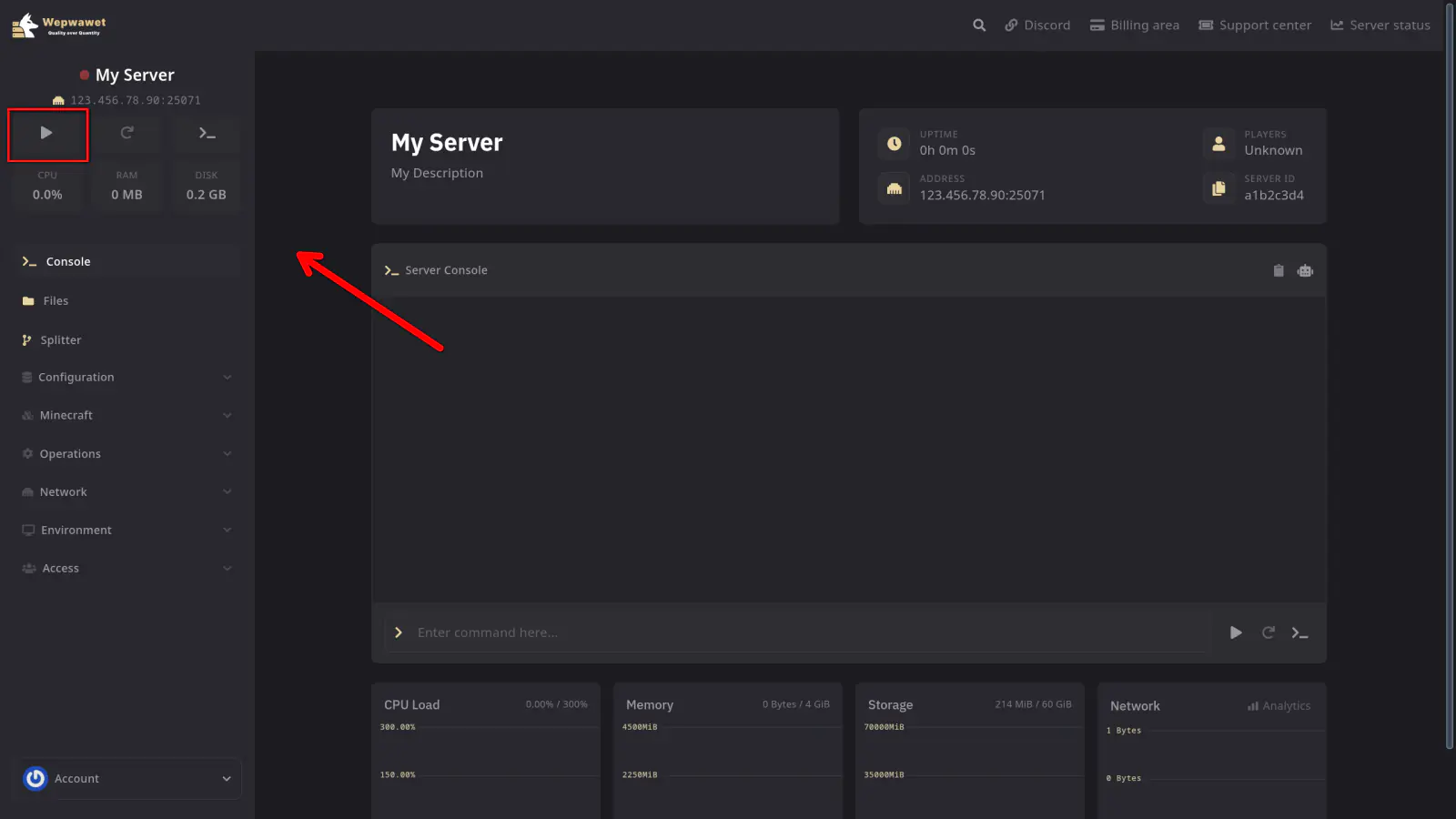
Start the Server
Do not select WIPE SERVER FILES when installing. It deletes the world you just moved the files into.
Vanilla, Fabric, and Forge do not run Paper plugins. Your plugins folder is ignored and you will need mod replacements for anything you relied on.
Vanilla to Paper
There are no files to move. Paper converts your world to its own layout the first time it starts.
Take a backup, install Paper from the Version tab, and start the server. Full walkthrough: How to Change Your Server Version.
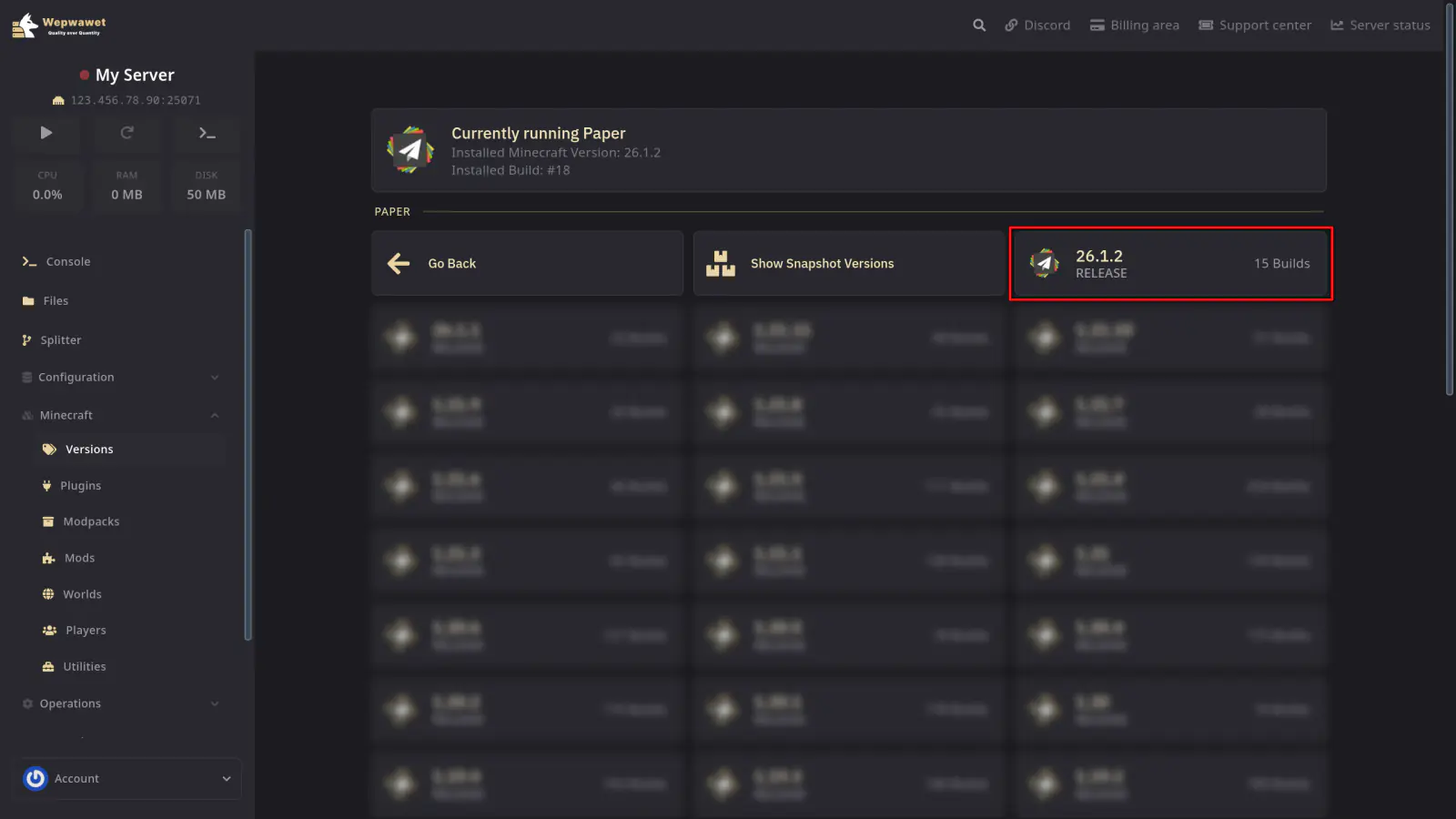
Do not select WIPE SERVER FILES when installing. It deletes your world.
Paper does not run Fabric or Forge mods. Blocks, items, and other data added to your world by a mod will not load. Find plugin replacements before you switch.
Older versions
This applies to Paper builds before 26.1, and to CraftBukkit and Spigot at any version. Paper 26.1 and newer uses the layout covered above.
These builds keep the Nether and the End in their own top-level folders. Start on Vanilla, Fabric, or Forge without moving them and both dimensions will look reset. Nothing is lost, the server simply cannot find them.
| World format | Overworld | Nether | End |
|---|---|---|---|
| Vanilla | world | world/DIM-1 | world/DIM1 |
| Paper | world | world_nether/DIM-1 | world_the_end/DIM1 |
Stop the Server
Delete Any Regenerated Dimensions
Only if you already started the server on Vanilla, Fabric, or Forge: delete world/DIM-1 and world/DIM1. These are the empty dimensions it generated when it could not find your real ones.
Move the Nether
Move world_nether/DIM-1 into world/.
Move the End
Move world_the_end/DIM1 into world/.
Delete the Old Folders
Delete world_nether and world_the_end.
Install Vanilla, Fabric, or Forge
Skip this if you already switched. Starting on Paper again regenerates the folders you just deleted. Full walkthrough: How to Change Your Server Version.
Start the Server
Spigot and CraftBukkit
CraftBukkit and Spigot split the Nether and the End into world_nether and world_the_end, the same layout Paper used before 26.1.
Leaving them: convert your world to the Vanilla layout using the steps in Older versions, then follow Vanilla to Paper if Paper is where you are headed.
Switching to them: Paper does not support migrating to CraftBukkit or Spigot. You may get it running, but data loss is possible and there is no supported way to recover from it.
You now know how to convert your world between Paper and Vanilla.
If any issues arise, contact us ↗.