Skip to main content
Wepwawet Docs home page
Search...
⌘K
Help Center
Store
Store
Search...
Navigation
Panel
Creating MySQL Databases
Home
Account & Billing
Minecraft & Panel
Troubleshooting & FAQ
Hosting
Hardware
Community
Status
Billing Panel
Server Panel
Minecraft
Minecraft: Guides that might help you setup your server
Server Management
Plugins
Mods
Optimizations
Panel
Panel guide
How to use Console Tab
How to use Files Manager Tab
How to use Settings Tab
How to use Plugins Tab
How to use Mods Tab
How to use Modpacks Tab
How to use Versions tab
How to use the Backup tab
How to use Network tab
How to use Schedules tab
How to access your server by SFTP/FTP
How to Download your server's folders and archives
Creating MySQL Databases
How to add subusers
Panel
Creating MySQL Databases
A guide on how to create an MySQL Database for Minecraft
1
First Step
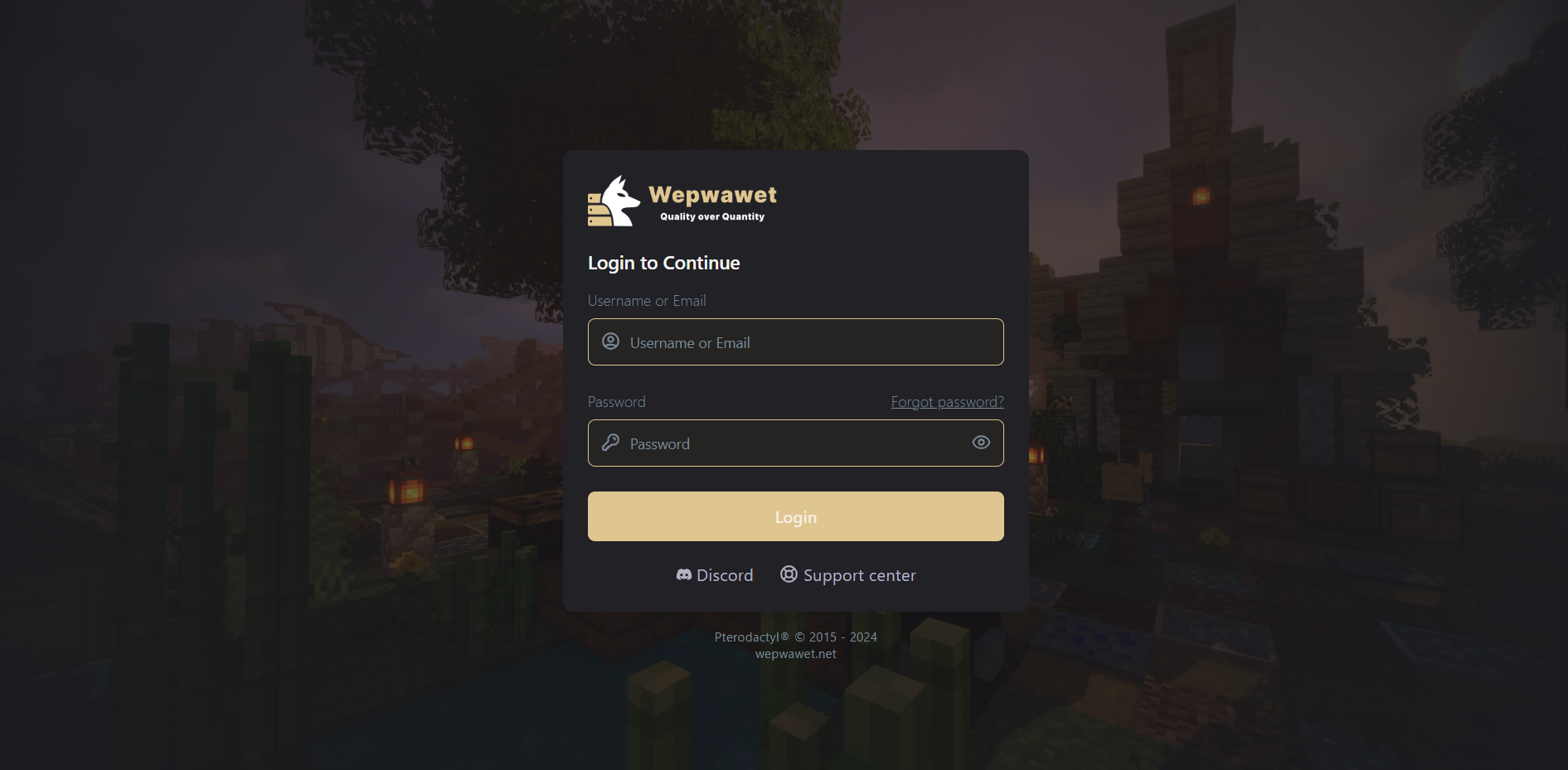
Log in to your
Wepwawet Control Panel
.
2
Second Step
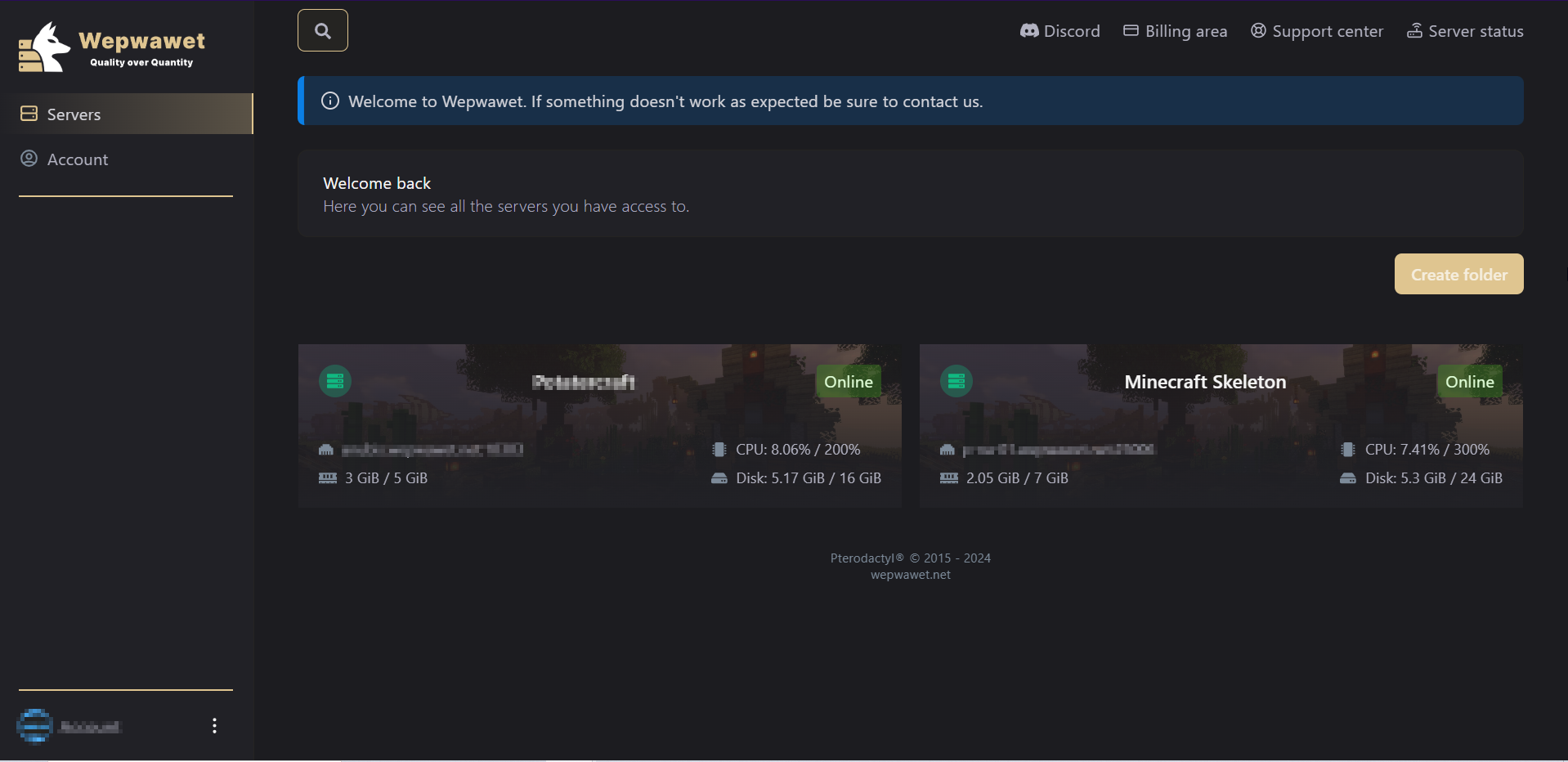
Go to My Servers and select the server you want to make a MySQL Database on.
3
Third Step
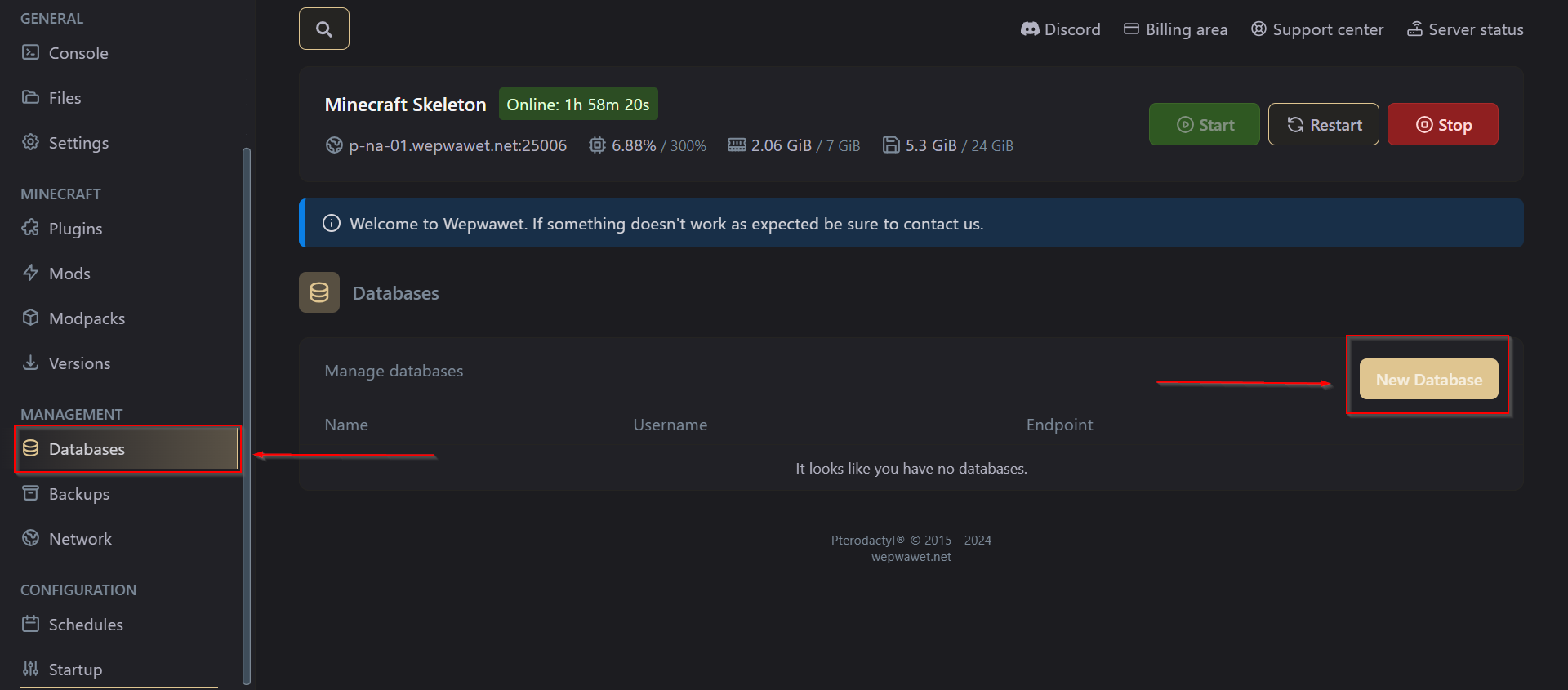
Under Management, Select Databases then input the name and press Create Database.
Once created it will then give you the IP, Port, Username, Password, and Database name in Configured Databases.
How to Download your server's folders and archives
How to add subusers
⌘I