From Our In-Built Version Installer:
Third Step
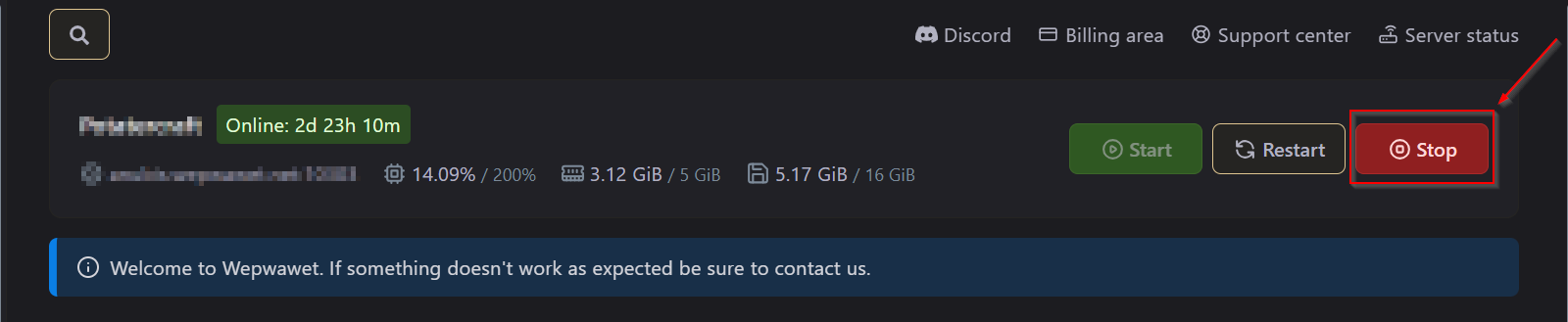
Make sure to Turn OFF the Server Fourth Step
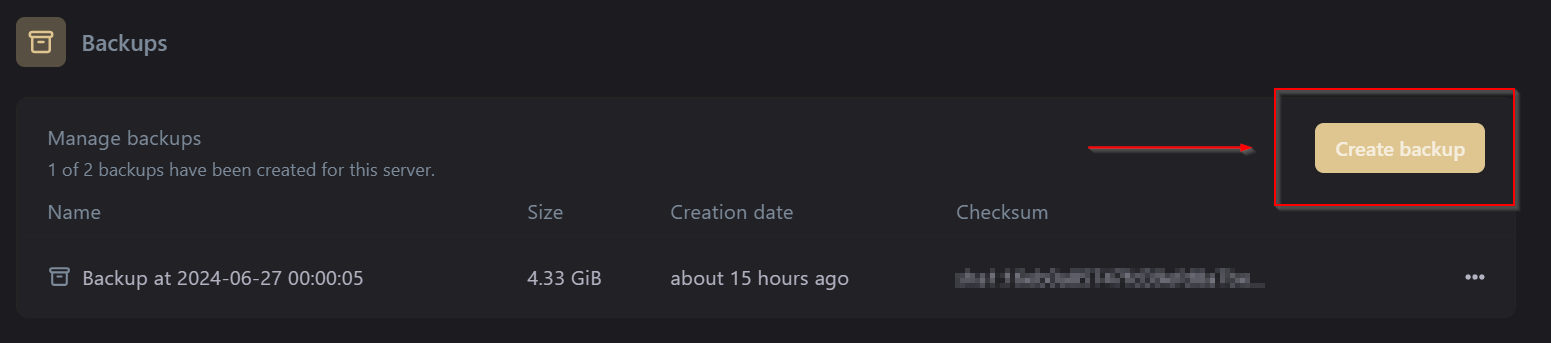
Create a Backup of the Server
If you don’t know how to make a backup, Here’s our article on How to make a backup Fifth Step
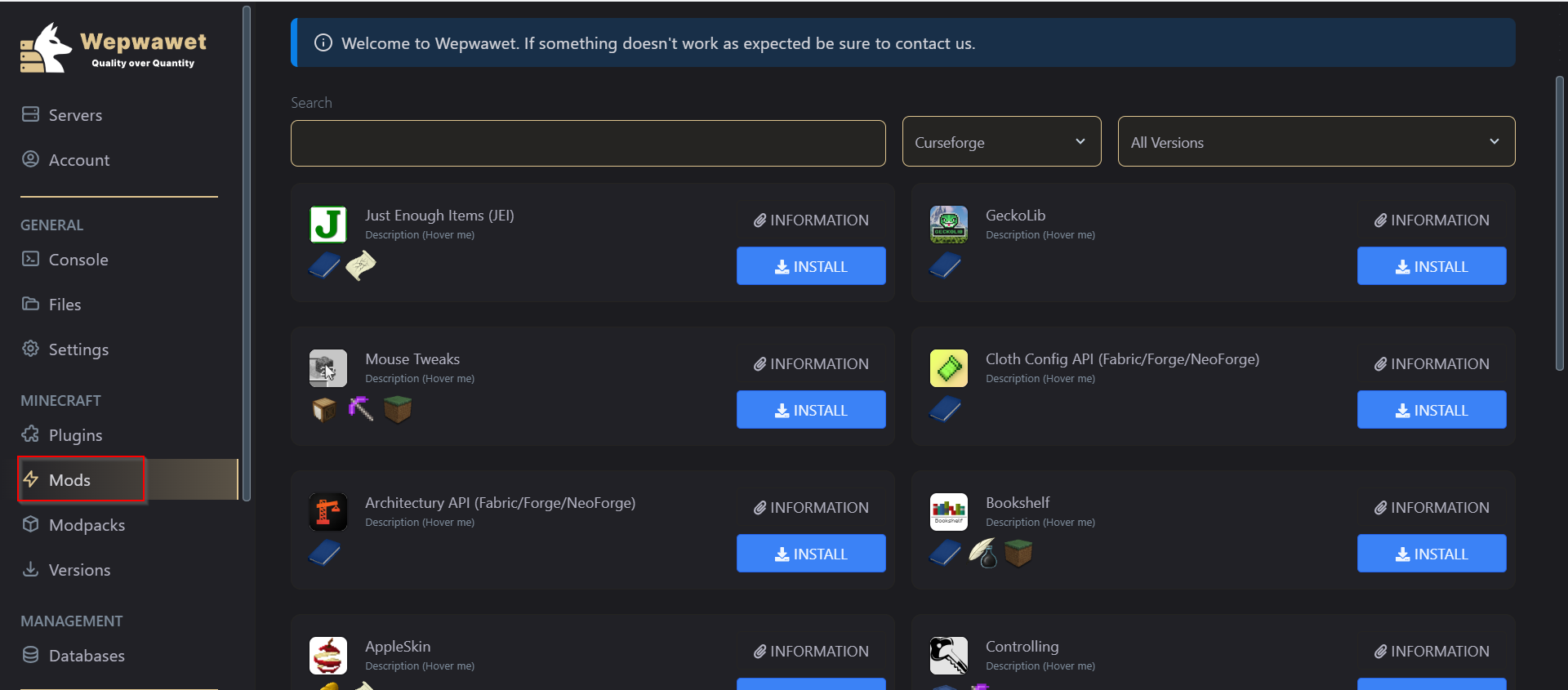
Under the Minecraft section, Click on the Mods tab. Sixth Step
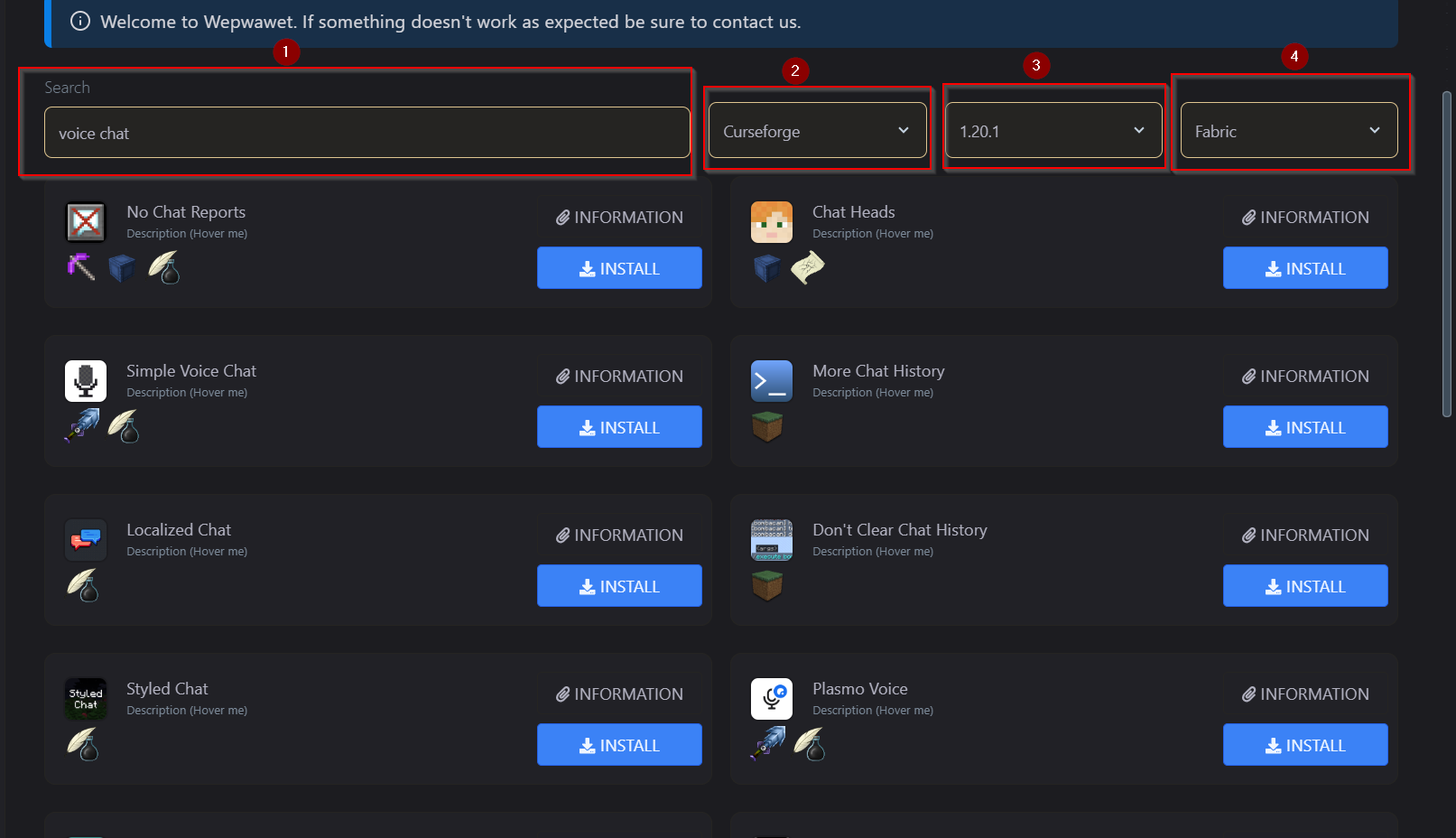
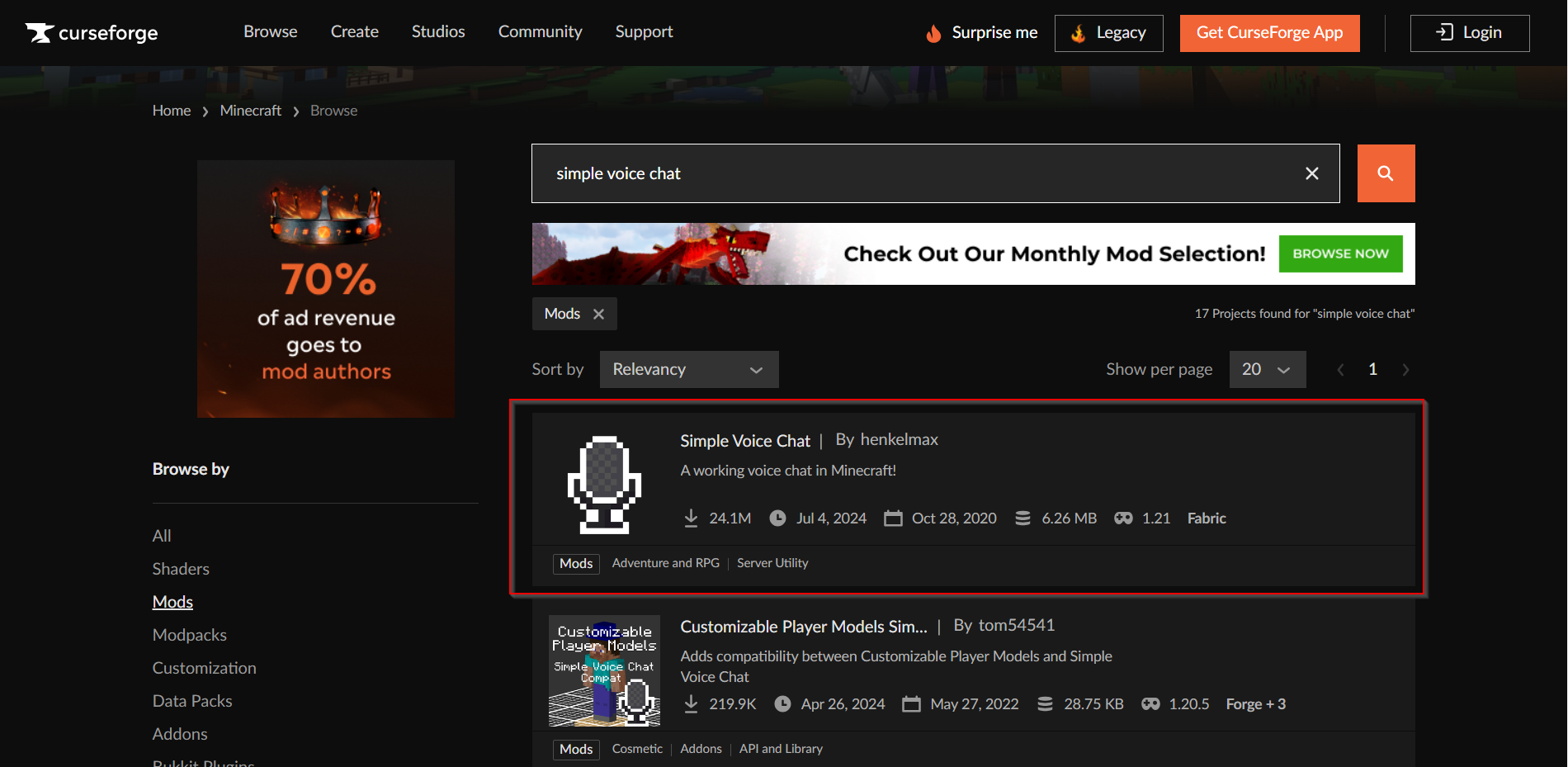
Search for your mod, Select your Provider, Select your Version and then select your Server software Seventh Step
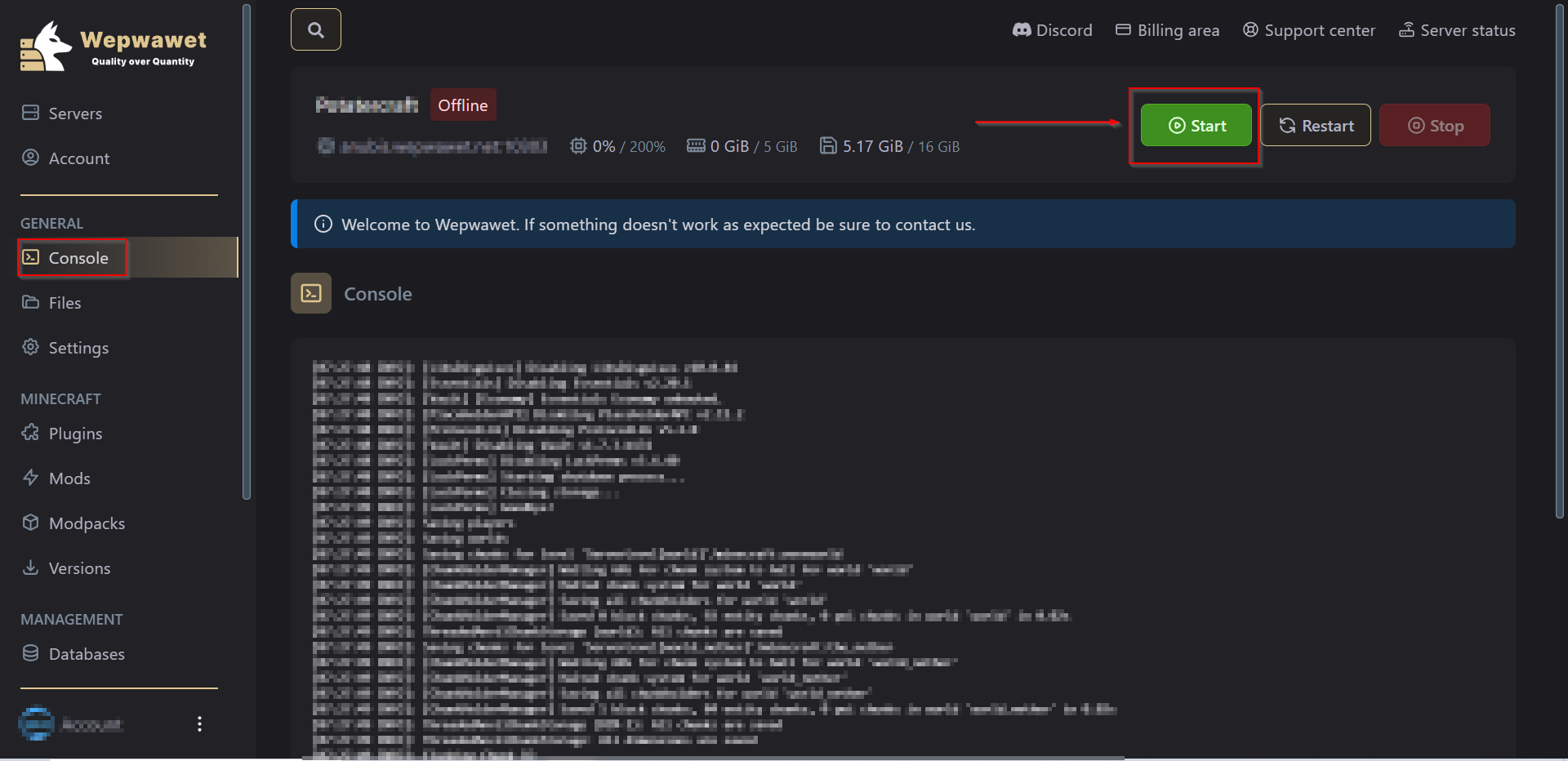
Finally, You can head to the Console tab and Start the server. Uploading the Version by yourself:
Third Step
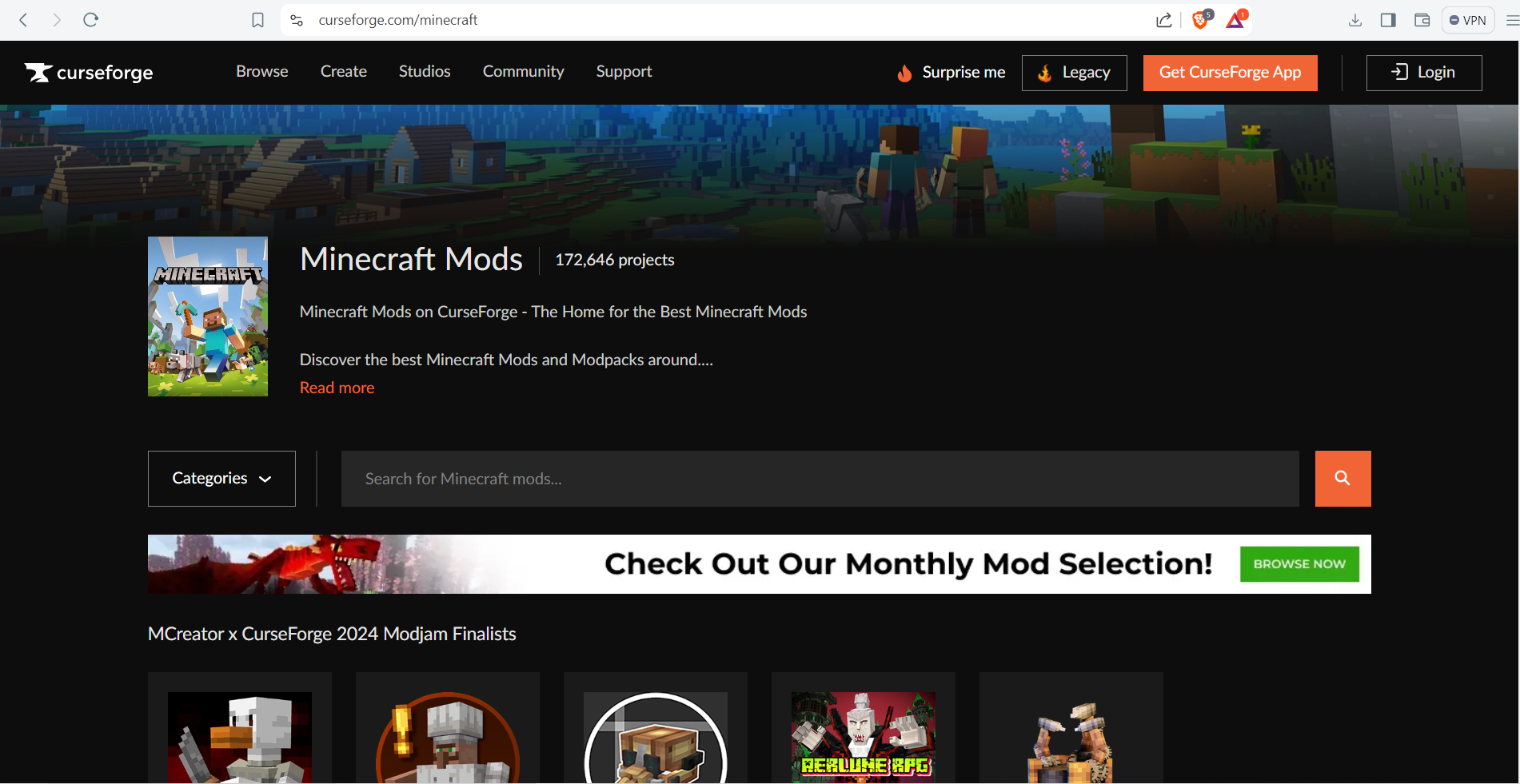
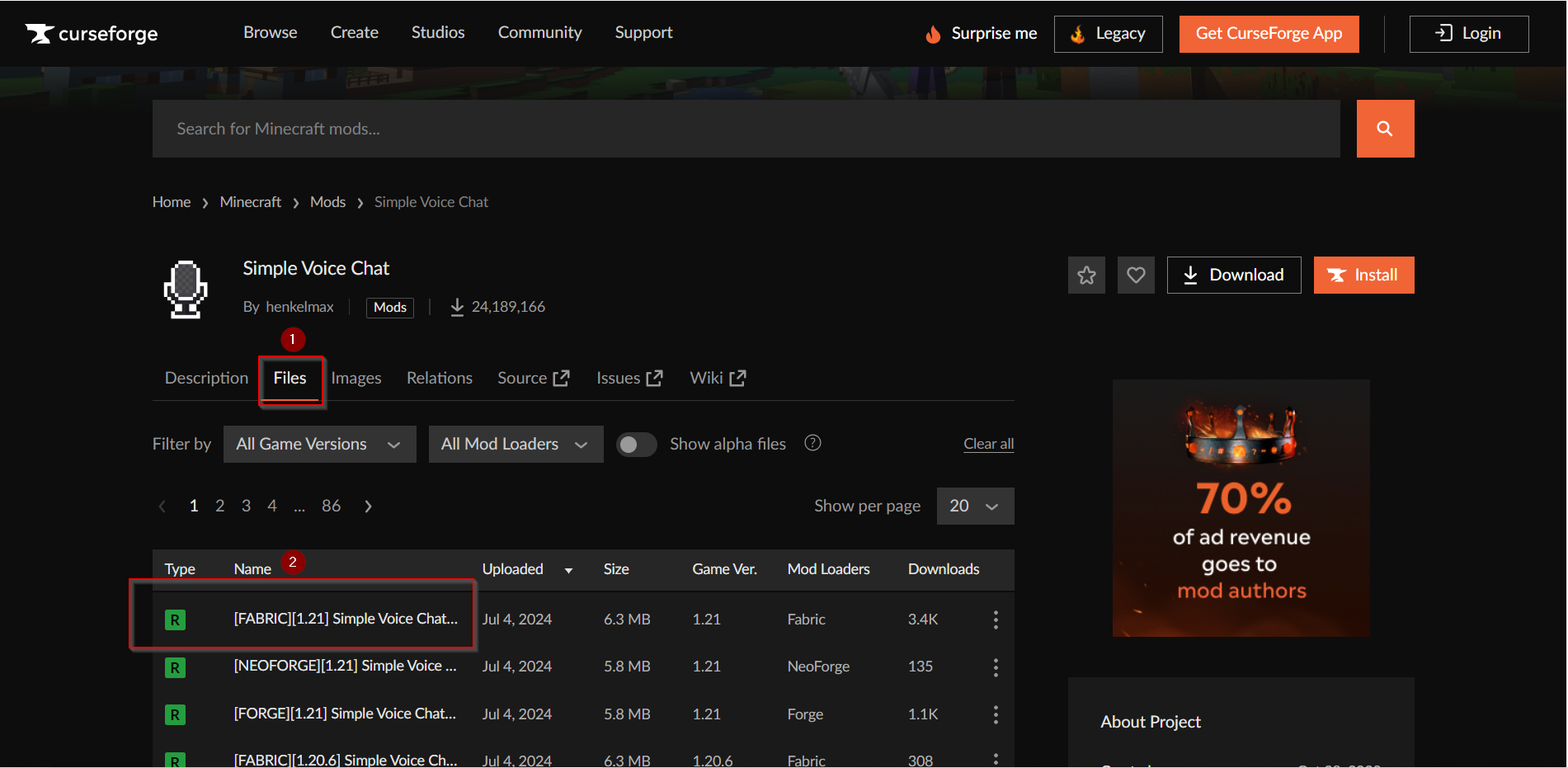
Click on your prefered mod and click on the Files tab and download your prefered file. Sixth Step
Make sure to Turn OFF the Server Seventh Step
Create a Backup of the ServerIf you don’t know how to make a backup, Here’s our article on How to make a backup Eighth Step
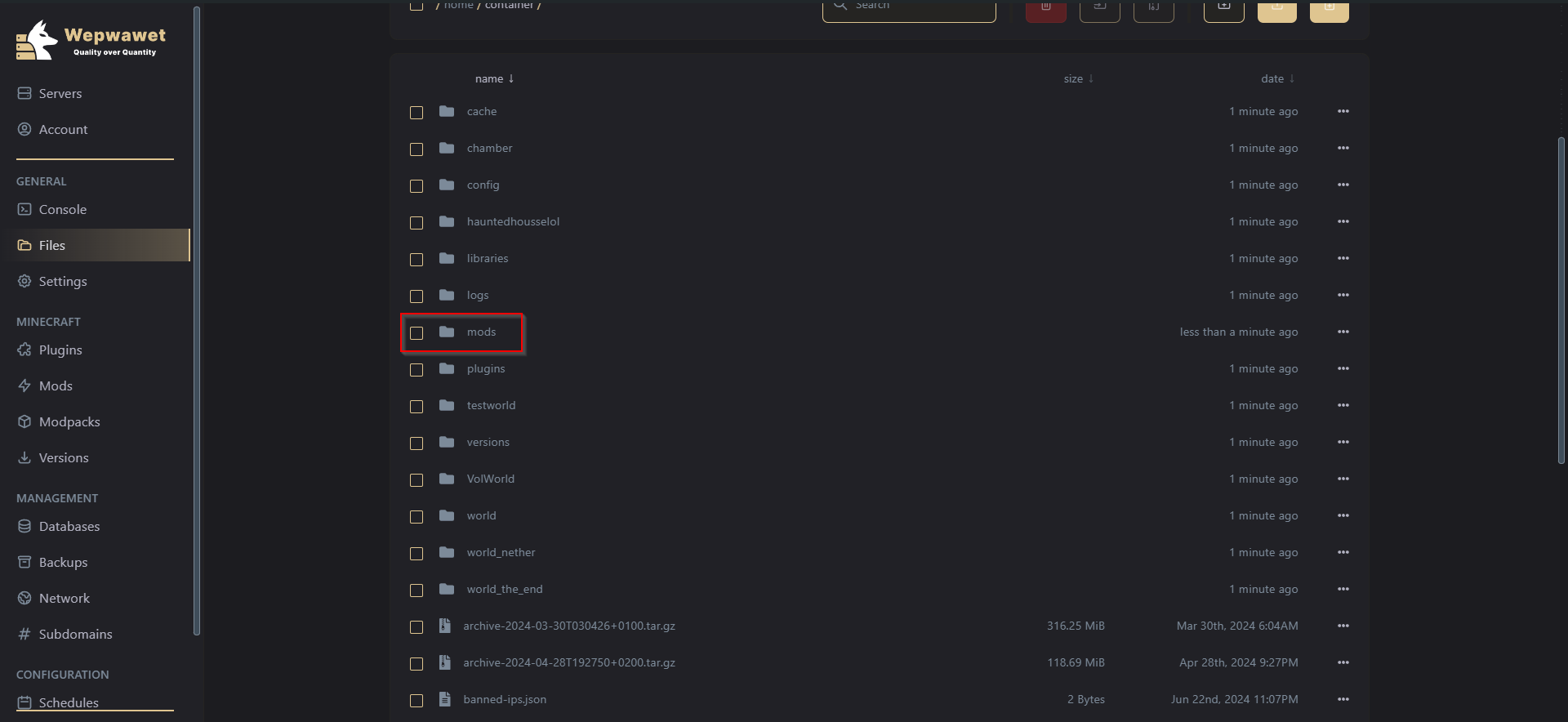
Under General Section, Select Files tab and then Click on the mods folder Nineth Step
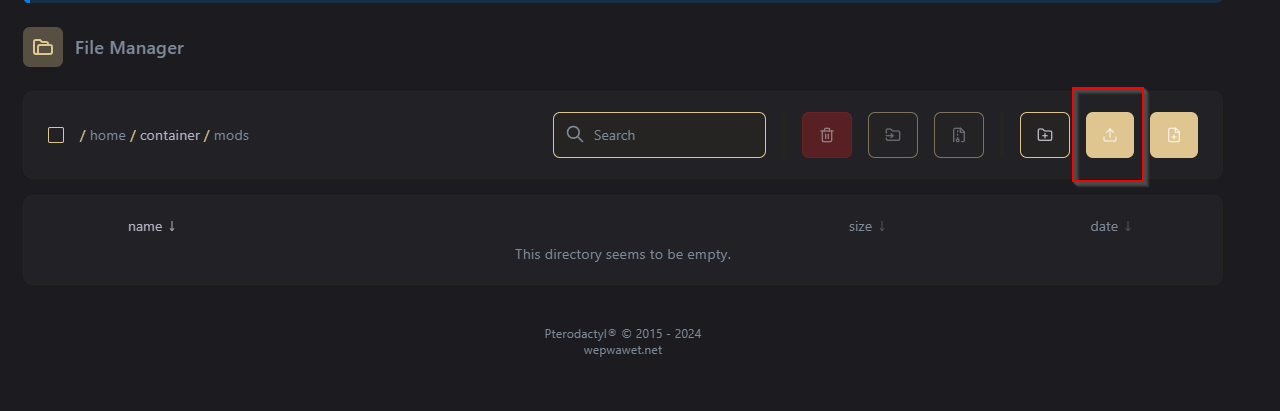
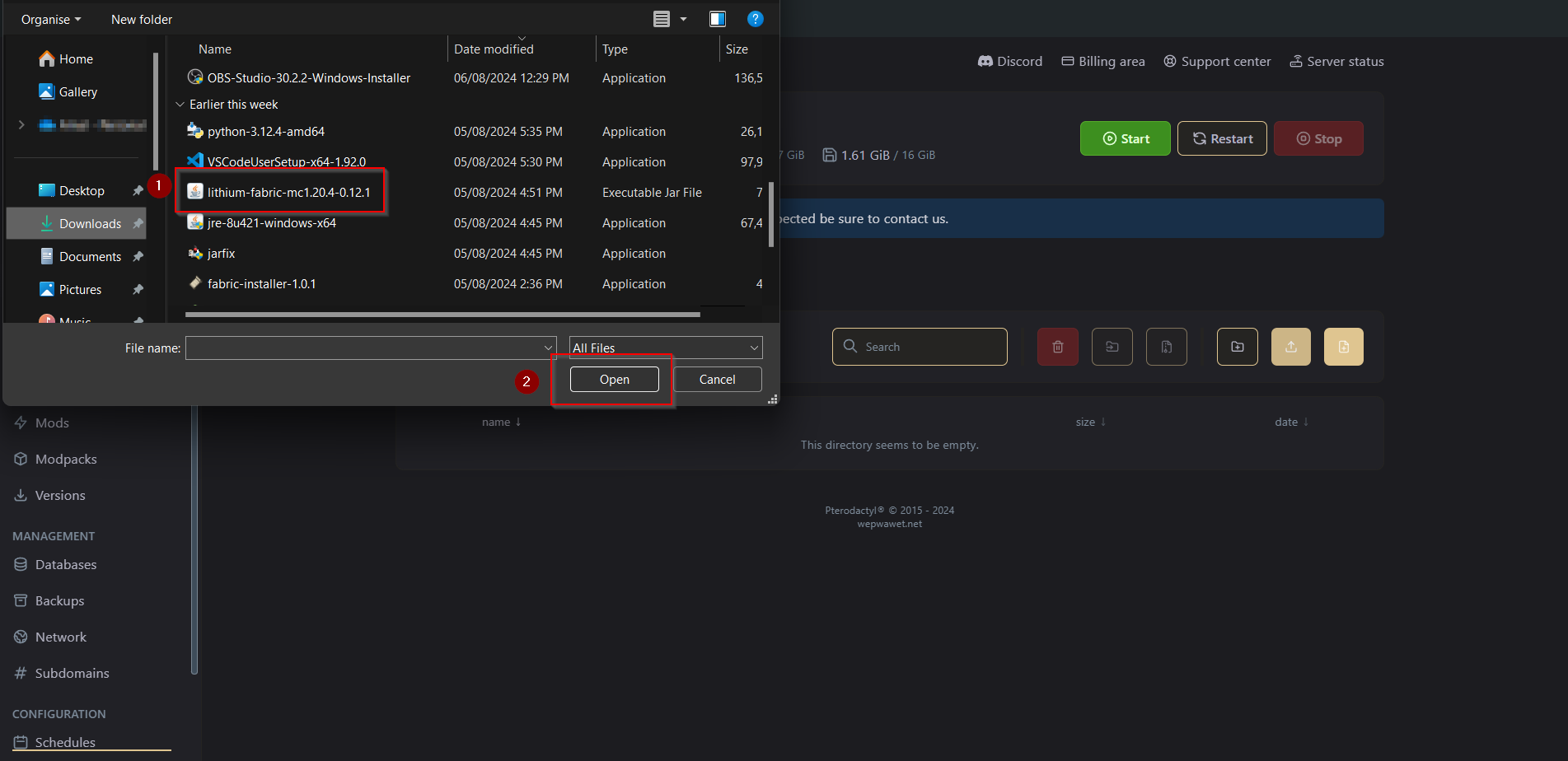
Once you get in the mods folder click on the upload button Tenth Step
On the new window that will be opened, double click the mod file you wish to upload Keynote: Please do make sure that it is a .jar file
Eleventh Step
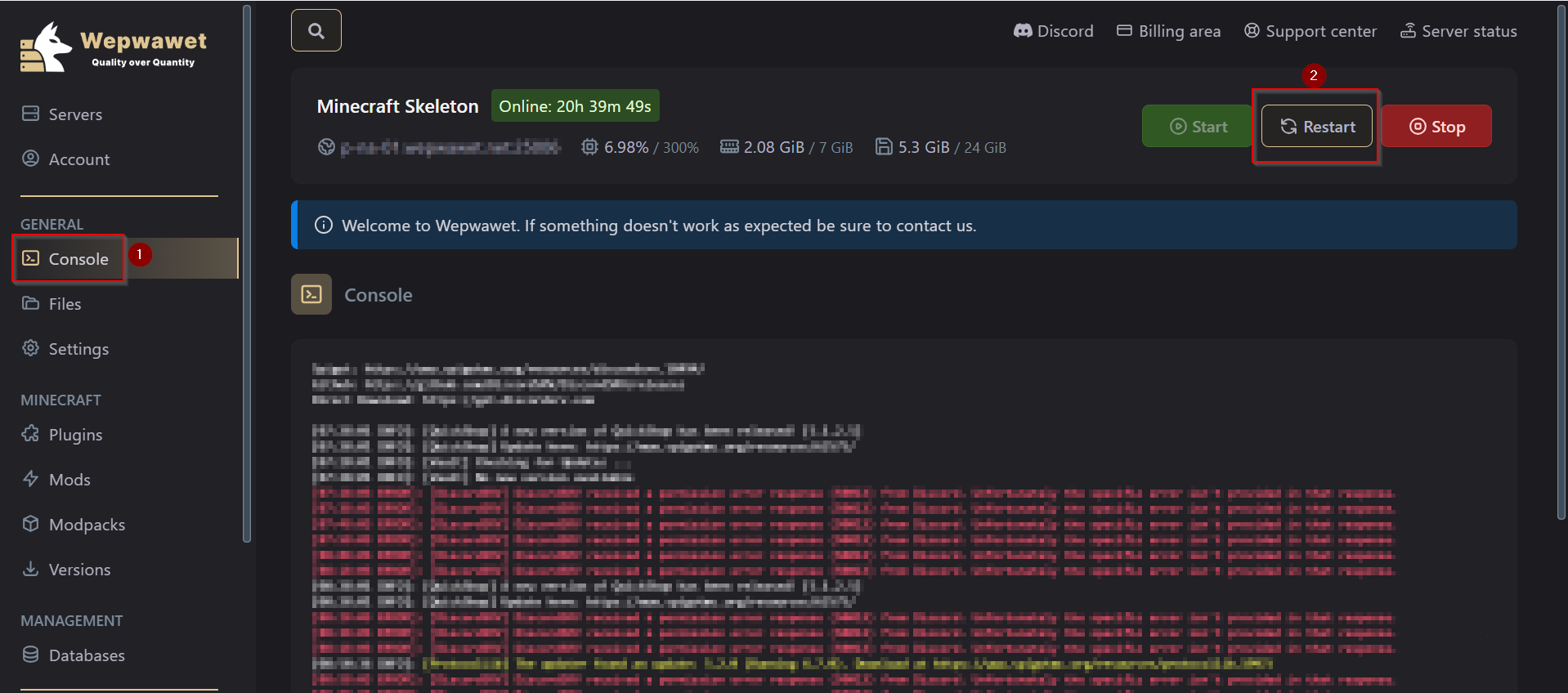
After that, Head over to the Console tab and Restart your server. There you go! You have installed a Mod on your server!