
First Step
Login to your Wepwawet Control Panel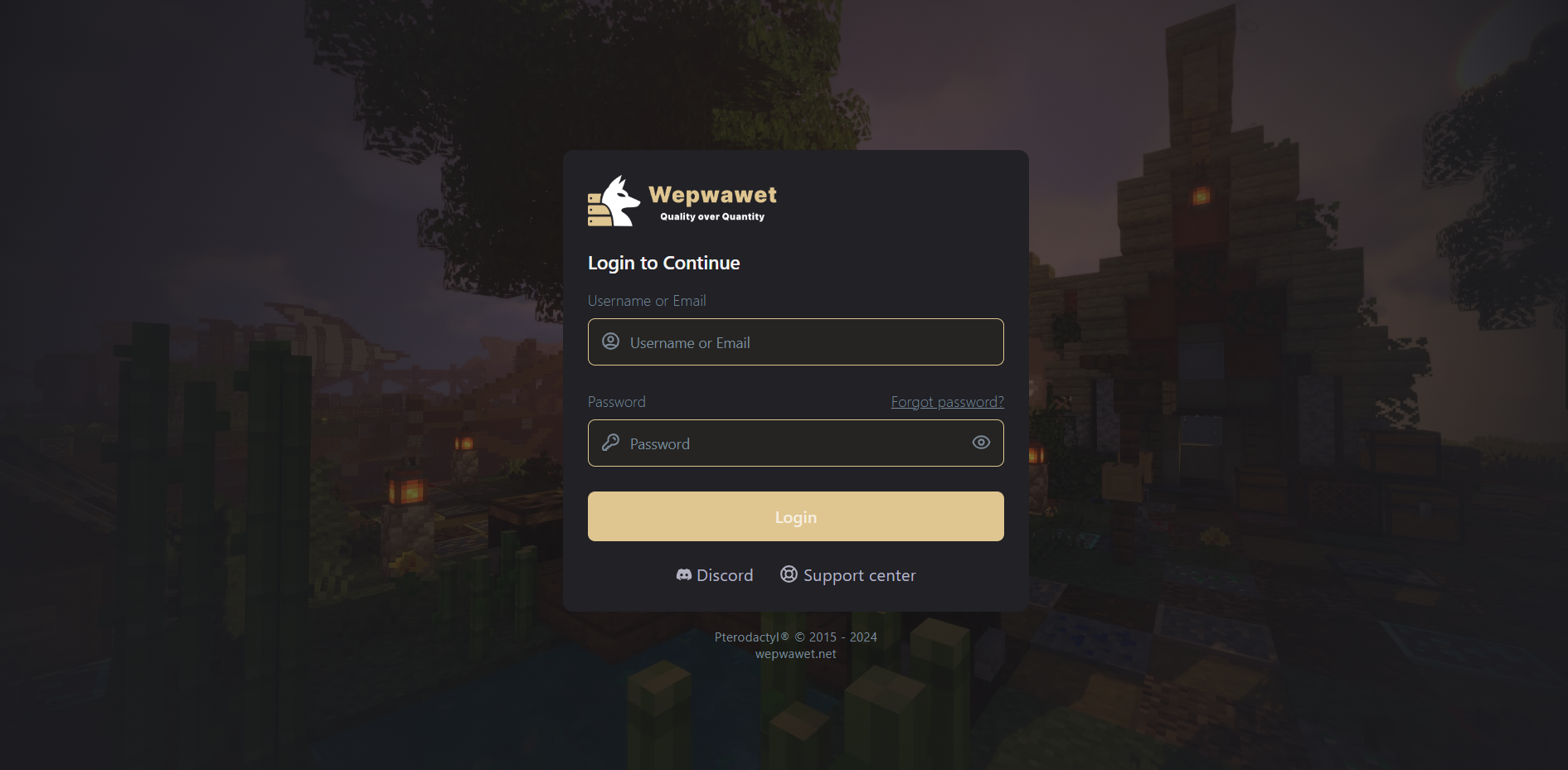
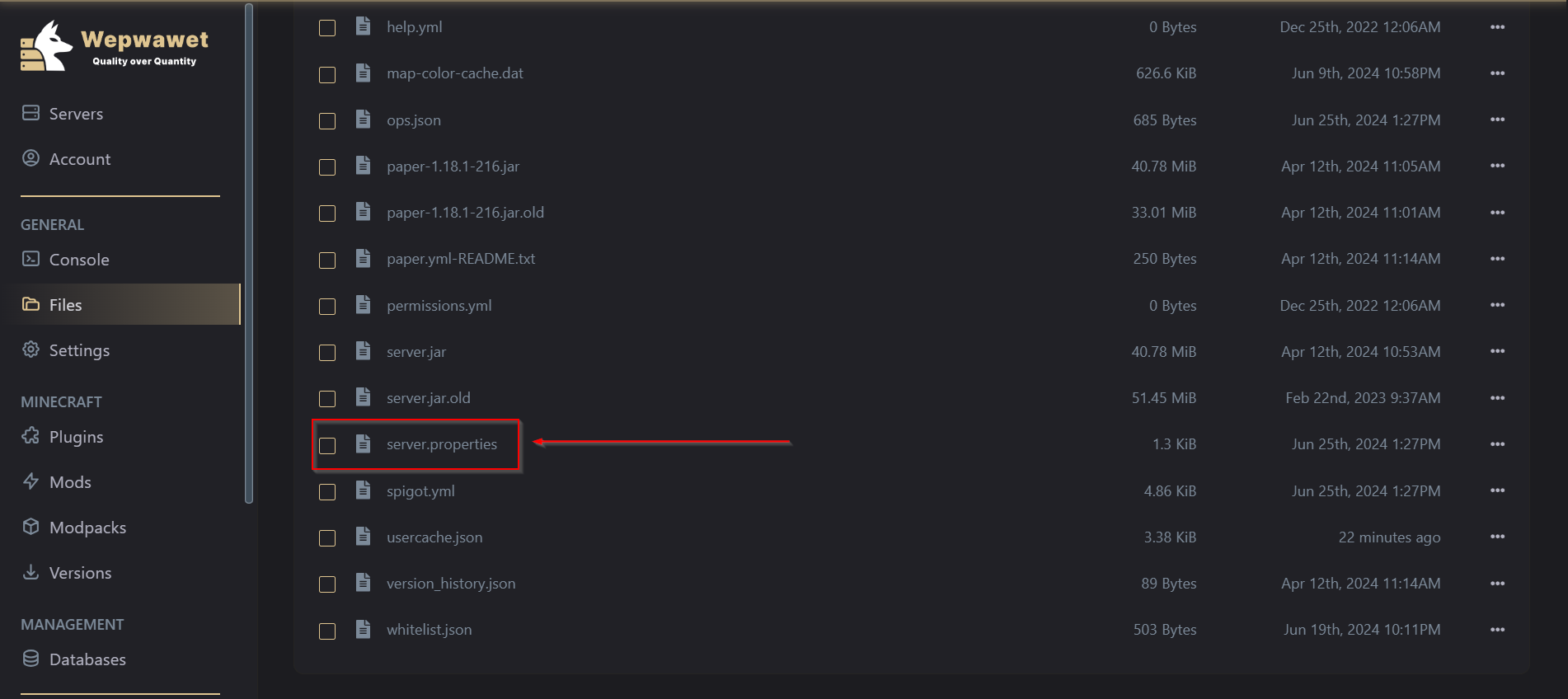
Sixth Step
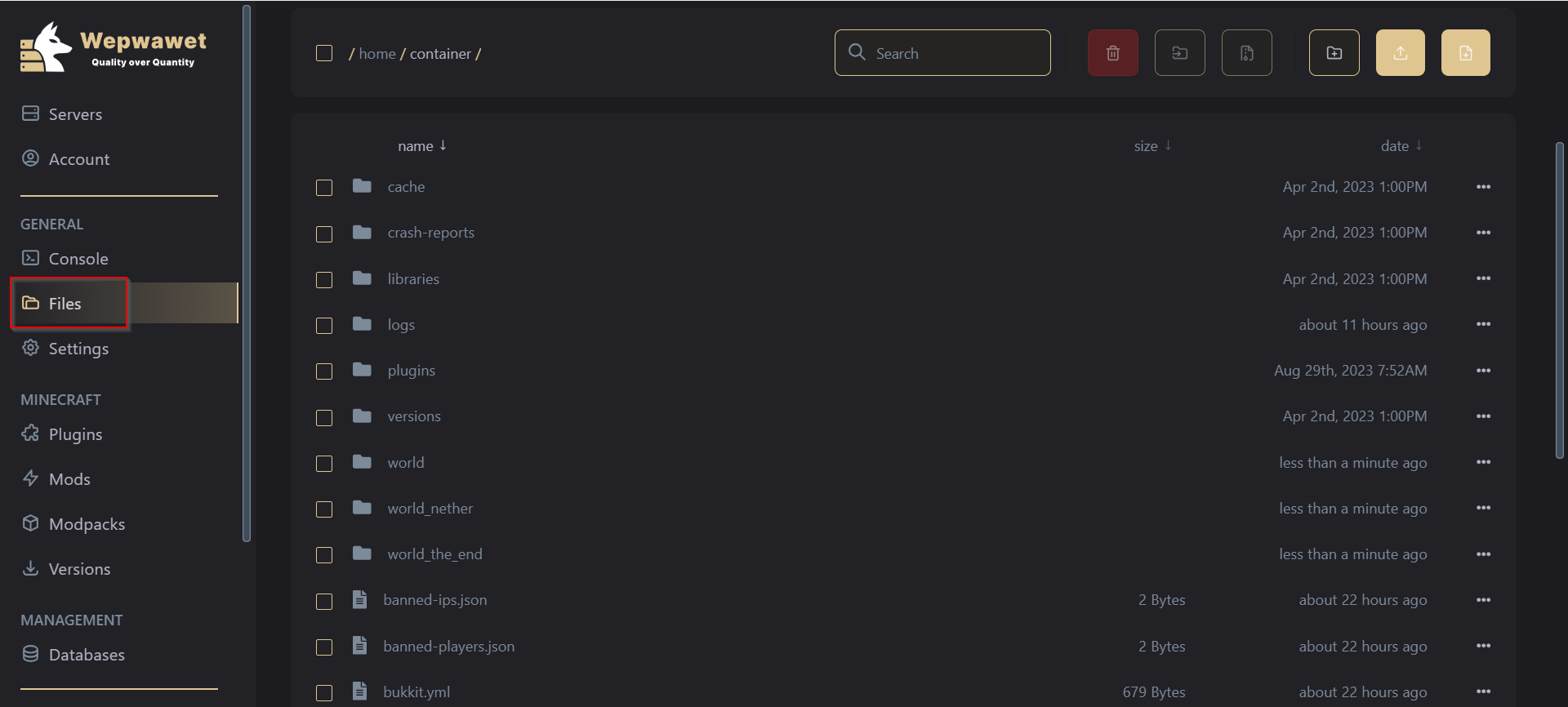
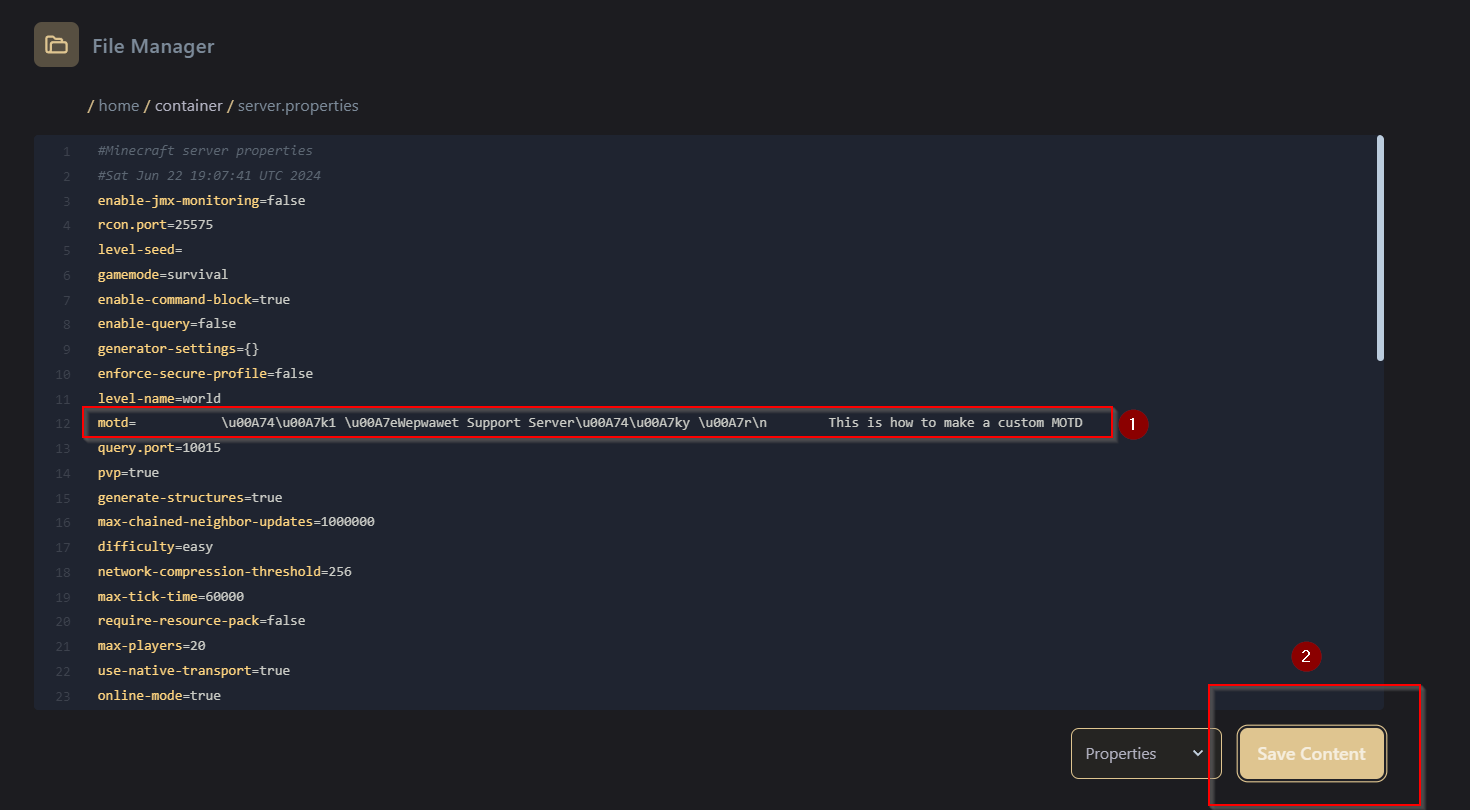
Near the top of the file, You’ll be able to see motd=A minecraft server. Change this value to anything you wish to be seen on your server.
If you would like to make a MOTD with color, Using MCtools you can make a custom MOTD with your favourite colors and styles.
After copying the code, Don’t forget to hit Save Content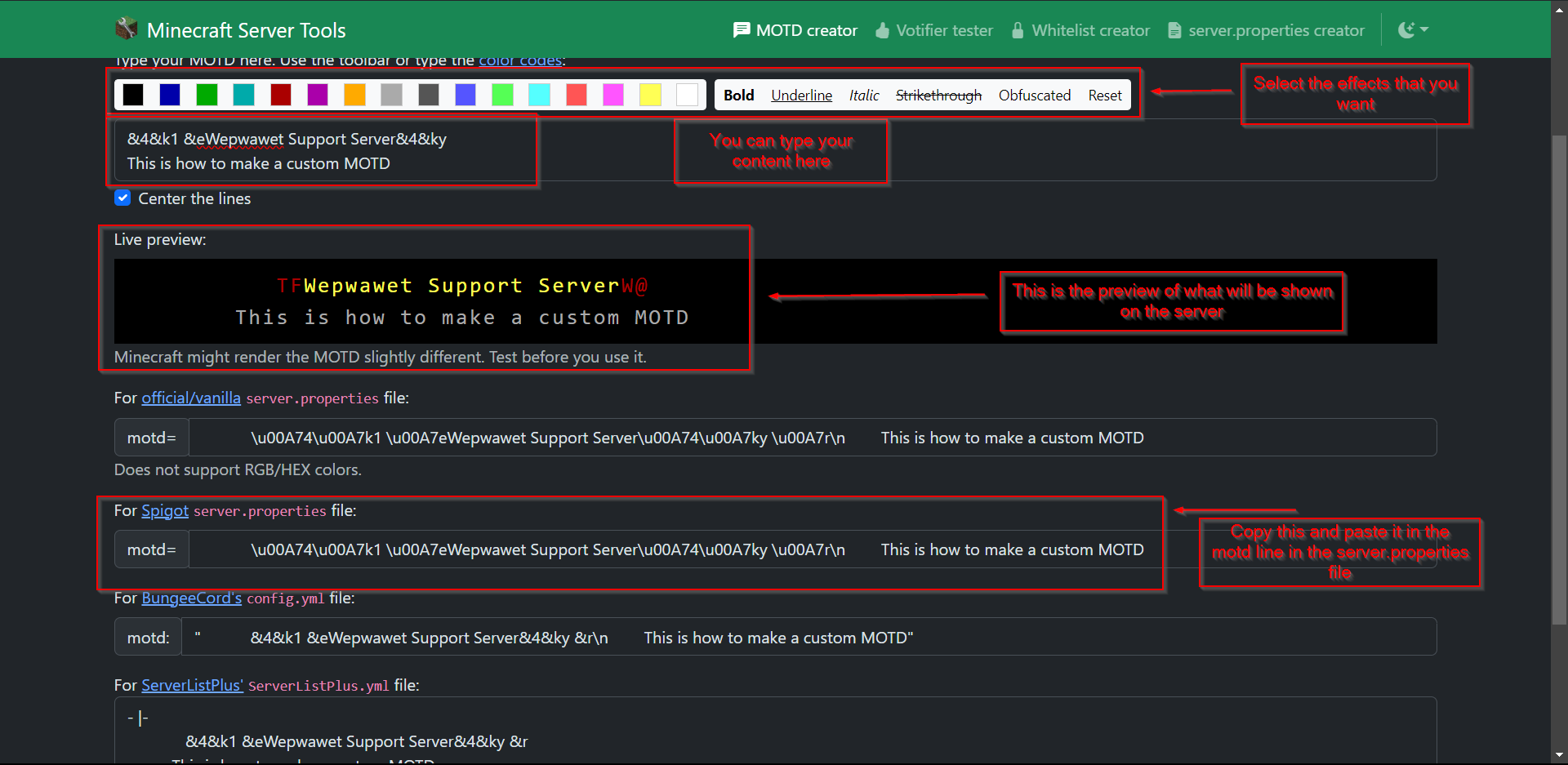
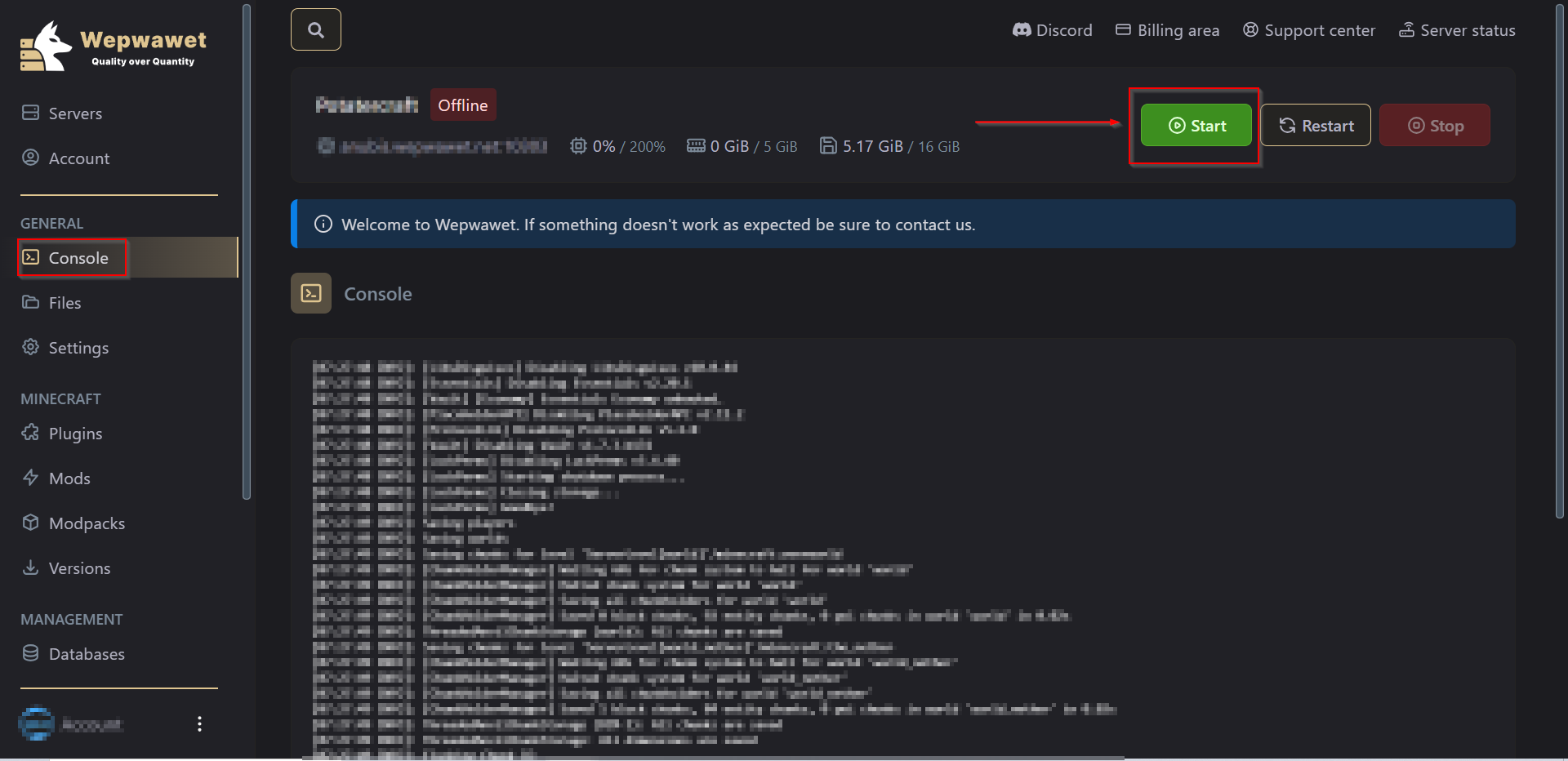

There you go, You’ve now learned how to change the basic MOTD of your Server!